



ImageWare Systems IWS Law Enforcement Application
As a kid growing up in the late 1950s and early ’60s, one of the toys I received one Christmas was a Mr. Potato Head. If you’re from that era, you may remember Mr. Potato Head. He was a goofy plastic guy, or should I say, “spud,” of a thousand faces. Using creativity limited only by your imagination and, of course, available parts, you created faces that only your Mom and maybe Picasso would love.

As a kid growing up in the late 1950s and early ’60s, one of the toys I received one Christmas was a Mr. Potato Head. If you’re from that era, you may remember Mr. Potato Head. He was a goofy plastic guy, or should I say, “spud,” of a thousand faces. Using creativity limited only by your imagination and, of course, available parts, you created faces that only your Mom and maybe Picasso would love.
In the 21st century I’ve put away Mr. Potato Head as well as my Etch-A-Sketch, in favor of much more sophisticated imaging tools. Which is good, because I now spend my days doing the serious business of identifying and catching crooks. But sometimes, like you, I think that I’d be better off using Mr. Potato Head or my old Etch-A-Sketch than some of my computer imaging applications.
The problem is not with the imaging tools, but with the tools we use to catalog and access the images. While many law enforcement agencies have enhanced their ability to capture digital images of suspects such as booking photos as well as composites created by artists or software, they haven’t done a very good job of giving investigators useful access to the images. In fact, it seems all we’ve really done is shift from overflowing shoeboxes filled with Polaroid pictures to overflowing hard drives full of digital images. And we still lack a practical way of organizing and searching our photos.
But thanks to companies like San Diego-based ImageWare Systems, that’s changing. ImageWare’s IWS Law Enforcement Application and add-ons could be described as the imaging Swiss Army knife for cops. Used as an investigative tool, this application can dramatically speed up the identification of suspects. The secret is biometrics, automated methods of identifying or authenticating the identity of a living person based on a unique physiological or behavioral characteristic.
OK. That’s the techno-geek definition of biometrics. But what does this technology really mean for cops? Some detectives who have used ImageWare applications with success have described biometrics as a leap from fingerprints into the future of identifying suspects through facial recognition. That’s a big leap, folks.
Built upon an Oracle or Microsoft SQL database or databases, the IWS Law Enforcement Application (ImageWare) offers a simple-to-use and easy-to-understand user interface or front end that can capture and ultimately search for images. Better yet, nearly all the fields are user configurable, so there’s no need to rehire the vendor every time a minor label needs changing or field needs updating.
Using photos and composites from scanned or imported images, ImageWare’s capture tool creates databases that store, catalog, and enable the sharing of image data to and from a centralized server. When capturing the images, ImageWare also snares the usual data as well as other information such as scars, marks, and tattoos. You can even customize it to include documents, evidentiary photos, and even signatures.
ImageWare also offers a fingerprint module to its capture station. This allows you to tie photo and fingerprint records to existing Automated Fingerprint Identification Systems (AFIS) and other positive ID sources.
When working the mugs hot capture station, ImageWare’s on-screen prompts alert the operator when he or she is not recording proper headshot positioning and size. For example, when images will not meet the National Institute for Standards and Technology requirements for mug shots, the application, if possible, automatically adjusts the image for brightness and grayness.
Besides all of the demographic information, one of the ImageWare features that I found extremely useful was the ability to capture multiple “image identities” of the same person. For example, you can use the software to produce one mugshot with eyeglasses, the other without. Or one with the suspect wearing the blond wig, the other with his true identity revealed. This can be extremely useful when trying to put together a photo lineup or when you are compiling a history of IDs and aliases assumed by a particular suspect.
The true power of this software becomes more evident when using its investigative search tools. Through an intuitive, yet simple, interface that ImageWare calls Face ID, the software uses biometric algorithms to visually search your database(s). FaceID’s “auto eye find” can hunt down a series of matching physiological characteristics of the subject images.
Of course, you can speed up the process by using filters such as sex, race, height, and weight. And if your agency captures and classifies scars, marks, tattoos, and fingerprints, ImageWare’s search tools also let you search these fields.
One of the most intriguing aspects of the ImageWare Law Enforcement Application is the composite software tool. After entering the basic case information, the application walks you through a series of 50 or more questions, covering physiological attributes of the suspect. Then in the background the software builds the composite.
As you’re working through the questions, IWS shows visual samples of the body part that it is generating so you can get immediate feedback from a witness. This is a great feature because if you start down the wrong path, you can modify any composite on the fly and not have to go back and correct it later.
Also, you don’t have to answer all 50 questions. Any time during the interview process you can skip the remainder of the questions and proceed directly to the computer-generated composite image. There you may modify almost any facial feature, creating thousands of permutations.
Once you and your witnesses are satisfied with your masterpiece, it’s time to let the software do its work. Just open the Face ID interface and turn it loose inside your database of mug shots. The software does the tedious work, searching through hundreds or even thousands of images stored on your system. Once it completes its assignment, Face ID shows the matching photos, sorted by a calculated confidence score.
And believe me, this technology is a lot better than Mr. Potato Head. After all, you can’t lose the pieces like I did all those years ago.
Bob Davis supervises the San Diego Police Department’s computer lab. He has 26 years of experience on the force.
More Technology
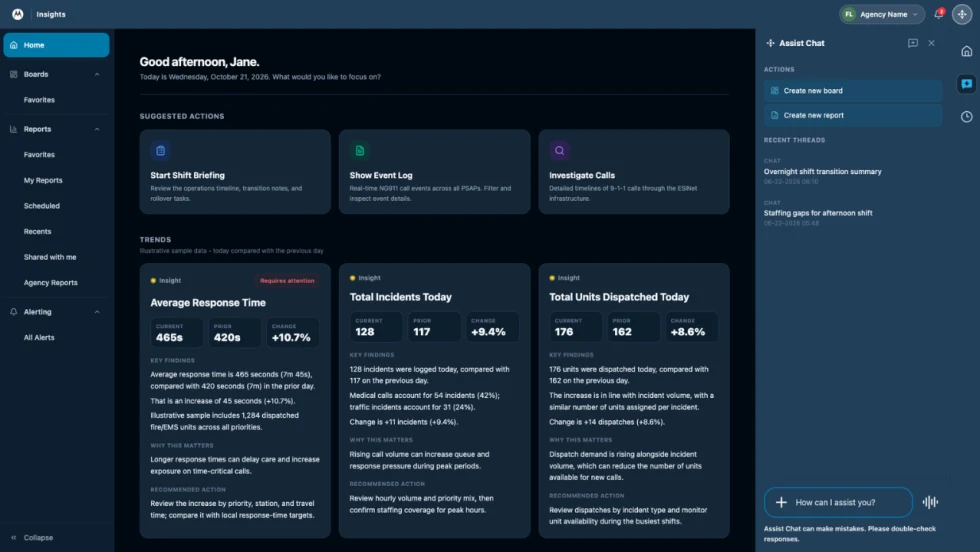
How Motorola Solutions’ New “Insights” Platform Helps Public Safety Agencies Identify Trends to Improve Their Operations
Motorola Solutions has introduced Insights, which leverages Assist, its mission-critical artificial intelligence (AI), to address these challenges and shape what’s next for public safety analytics and reporting technology.
Read More →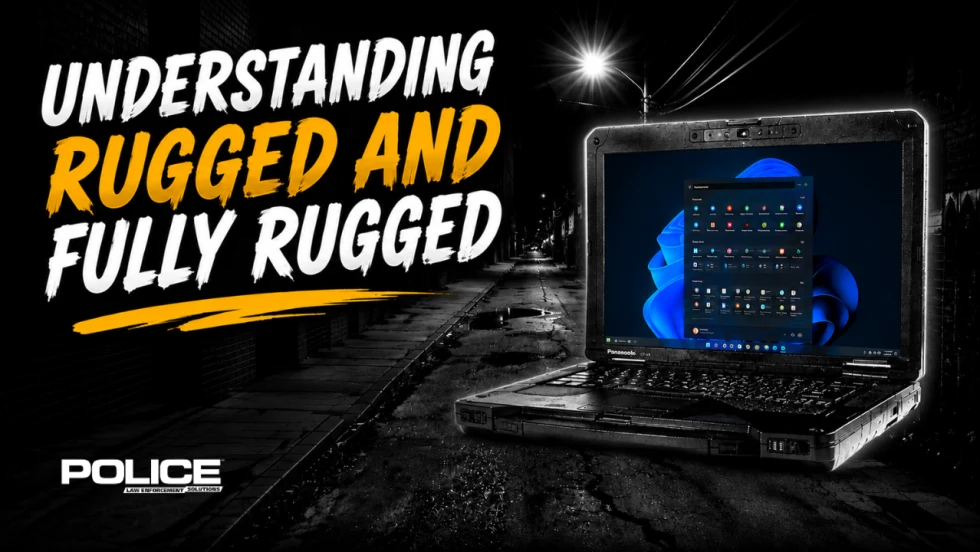
What Qualifies a Laptop as Rugged or Fully Rugged?
Police officers face a wide range of working conditions that can damage or even destroy a regular consumer laptop. Learn what qualifies a computer as rugged or fully rugged and why those devices are vital for law enforcement.
Read More →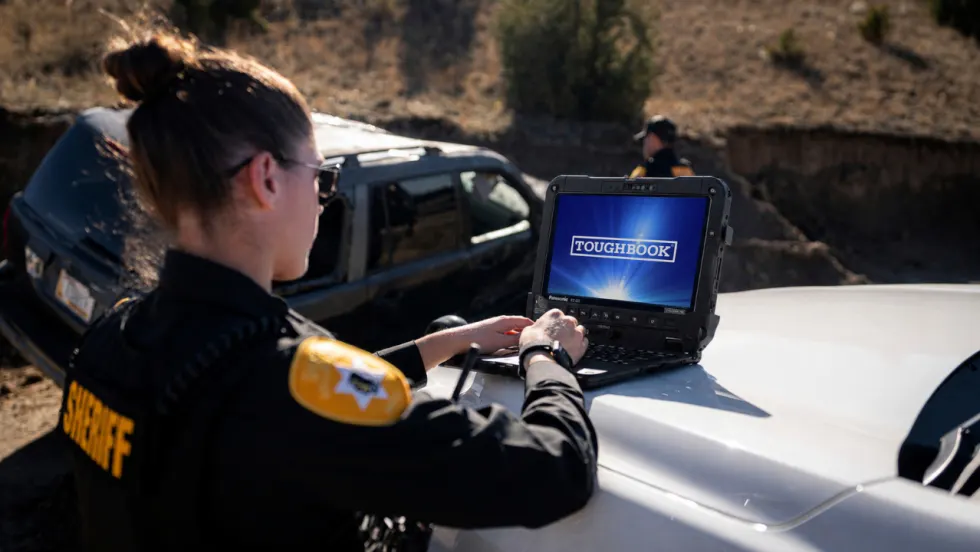
Panasonic Connect Launches the Toughbook 34 and Toughbook G3, Fully Rugged 2-in-1 Mobile Computers
Panasonic Connect has launched the Toughbook 34 and Toughbook G3 to facilitate in-vehicle dispatch, records management, and mobile command operations from any location.
Read More →

A police agency's guide to data-driven fleet management
Costs are rising and the public expects more transparency into how their tax dollars are spent. This e-book shows how police agencies can use fleet data to take control of fleet expenses while improving officer safety and demonstrating fiscal responsibility to the communities they serve.
Read More →
AI and analytics for law enforcement: Turning data into insights
Law enforcement agencies are managing more video, sensor data and digital evidence than ever before. Discover how AI and analytics can help turn that data into actionable insights that strengthen situational awareness, accelerate investigations and support more informed decisions.
Read More →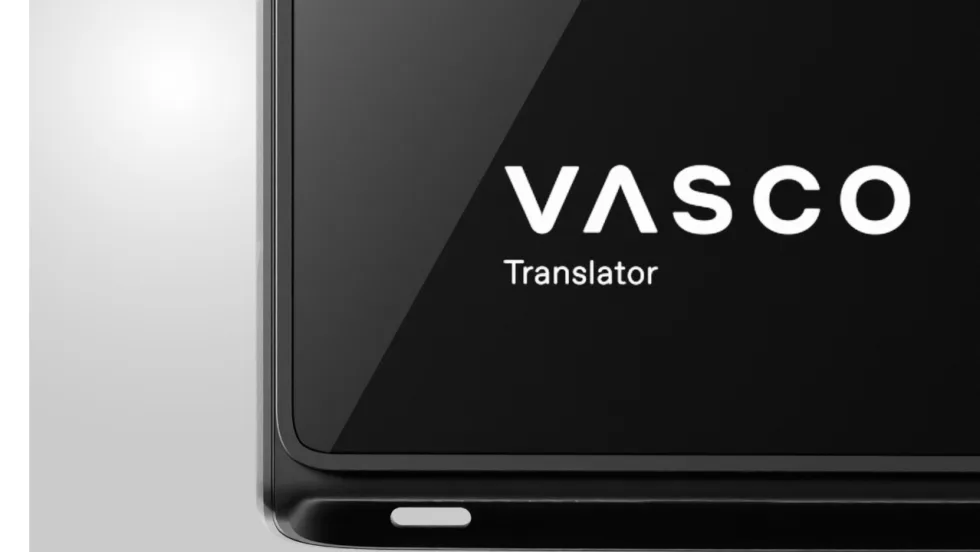
Vasco Electronics Adds Automatic Language Detection to Vasco Translator Q1
Vasco Electronics’ software update introduces hands-free language switching and expanded offline translation across 45 language pairs, empowering law enforcement, healthcare, and front-office enterprise teams
Read More →
North Miami Police Department Deploys Mark43
The North Miami Police Department has deployed Mark43 as part of its Five-Year Strategic Plan that represents its collective vision and goals for a more proactive police department, anchored by a core commitment to leveraging modern technology to enhance efficiency and public safety.
Read More →
Cellebrite Genesis for Enterprise Now Generally Available
Made available to the public sector in June, Cellebrite Genesis is serving a growing mix of national, regional, and local agencies worldwide, including some of the largest regional and metropolitan police departments. It is now available for enterprise organizations.
Read More →
2026 Vision FirstNet Users Summit to Host Emerging Leaders Training on Grassroots Advocacy for Public Safety
“Emerging Leaders Training: Understanding the Importance of Grassroots Advocacy for Public Safety," a session during the 2026 Vision FirstNet Users Summit, will offer a roadmap for unified advocacy at the federal level.
Read More →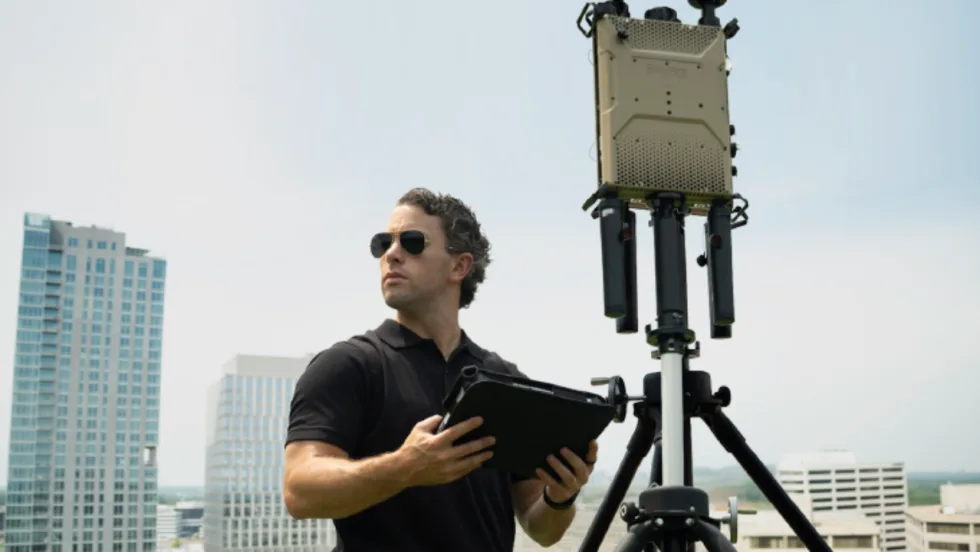
Motorola Solutions Completes Acquisition of D-Fend Solutions
Motorola Solutions has acquired D-Fend Solutions, an industry leader in counter-drone technology. This deal provides public safety and enterprise customers with access to advanced counter-unmanned aerial systems.
Read More →