



i2 Inc Visual Notebook
Back in November I suffered through the San Diego-to-Los Angeles commuter traffic to see many of the new software products and gadgets being shown at the 2004 International Association of Chiefs of Police Conference. One product that caught my eye was i2 Inc.’s new Visual Notebook, an electronic “storyboard” that investigators can use to visualize, analyze, and present the complexities of any incident.

Back in November I suffered through the San Diego-to-Los Angeles commuter traffic to see many of the new software products and gadgets being shown at the 2004 International Association of Chiefs of Police Conference. One product that caught my eye was i2 Inc.'s new Visual Notebook, an electronic "storyboard" that investigators can use to visualize, analyze, and present the complexities of any incident.
Founded in 1990, i2 Inc. has been providing software solutions to help analysts manage the vast amounts of information every case produces. The company's flagship product, Analyst Notebook, is used by agencies at every level of government.
Some of you may see i2's new Visual Notebook as an intrusion into the analyst's domain. I don't. I believe it enhances the team concept, creating an electronic bridge between analysts and investigators where both may communicate and scrutinize the minutiae of a case.
The software itself is fairly similar to Analyst Notebook and it's intuitive and easy to use. But the true benefit of Visual Notebook in an investigation is eliminating the traditional clutter of paper files, "yellow stickies," and scribbled notes on crumpled pieces of paper.
Built for Windows NT 4.0 (sp6) or higher, Visual Notebook works in both standalone and networked environments. It needs at least 200MB of free disk space, 128MB of RAM, and a 500MHz processor. I'd strongly recommend a Pentium III or higher PC with a video card that's ready for a graphics workout. As a security measure, the application also requires you to insert a coded dongle into a USB or parallel port before the software will activate.
Using Visual Notebook is as simple as dragging and dropping icons onto a pasteboard then adding appropriate links to source materials and information. And you don't have to be an artist to create an attractive and informational presentation. Visual Notebook provides a huge assortment of icons sorted into defined categories. The icons represent events or elements of crime, incidents, or organizations.
Once the investigator has a basic understanding of the case or subject material, he or she just drags out an icon from the palette and drops it onto the workspace. With Visual Notebook's vast array of choices you can easily depict any event.
Once you've dragged and dropped the basic component of the incident, all you have to do is add the links or suspected links between the elements of the event. It's that simple. Visual Notebook is a straightforward point-and-click application. Right clicking on any object lets you drill into its properties, allows you to describe its attributes, label, or link elsewhere.
As your case develops and the investigative team discovers new information, it can be quickly distilled, analyzed, and shared using Visual Notebook's visual pasteboard. Whether the information comes from individuals, diagrams, events, places, or electronic intelligence sources, the software allows users to keep up with the relevant information in a visual format.[PAGEBREAK]
Visual Notebook also includes an integrated e-mail tool that you can use to send an electronic chart to others who can view it with their free copy of i2's Chart Reader software. This is especially helpful when working on multijurisdictional task forces or when crossing other jurisdictional boundaries.
The following is an example of how an investigator might use Visual Notebook.
Our case is identity theft. It started when the suspect found personal information about the victim that was carelessly discarded. Our resourceful suspect took the info and used it to obtain credit cards in our victim's name. The suspect, who was identified later from a bank ATM photo, was linked to a multitude of events involving the credit cards he obtained using the fraudulent applications.
OK, that's our case. Now let's present it in Visual Notebook. First, we drop a picture of the suspect right into our Visual Notebook workspace. Now we link his fraudulent applications and a handful of his illegal transactions. By linking lines, we can easily see the relationships, dates, times, and amounts of the unauthorized transactions. If multiple suspects, banks, accounts, and transactions are involved, we can show relationships by drawing lines and linking information in a visual diagram that can be easily understood by anyone.
Visual Notebook also helps us organize our investigation by helping us keep the witnesses straight. Each witness who can ID our bad guy is linked to each specific event, avoiding confusion as to who knew what, when, or why.
Another great aspect of Visual Notebook is its flexibility. As our investigation expands into multiple suspects and complexity, our chart grows with a simple drag-and-drop from any investigators assigned to the case. If it continues to develop into an organized crime case, different levels of law enforcement having jurisdictional issues could easily integrate into the chart.
Let's say our simple identity theft has turned into a multijurisdictional nightmare. No matter. We can import our Visual Notebook chart right into i2's more powerful Analyst Notebook where additional tools can be used to search and share nationwide online databases, create timeline charts, and link to other department resources. All of these graphics can be easily followed and understood by the 65-year-old grandmother sitting in juror's
position #5.
i2 understands that our society has become more visual in the collection, interpretation, and comprehension of the facts surrounding a criminal case. Storyboarding or visualization is just a graphical outline of what happened first, next, and last. Sometimes images rather than words help us to understand the whole event just by linking things together with lines.
You've heard it before, "...a picture is worth a thousand words." Depicting the elements of an incident, a complex criminal organization, a money-laundering scheme, or a homicide through visual presentation can have a tremendous impact on your intended audience, the jury. And that makes the graphics created by Visual Notebook priceless.
Bob Davis supervises the San Diego Police Department's computer lab. He has 26 years of experience on the force.
More Technology
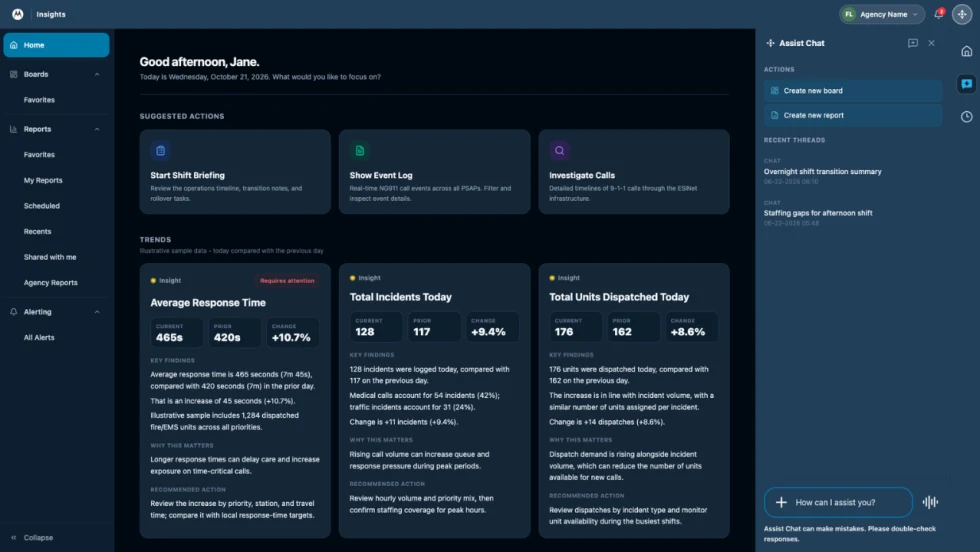
How Motorola Solutions’ New “Insights” Platform Helps Public Safety Agencies Identify Trends to Improve Their Operations
Motorola Solutions has introduced Insights, which leverages Assist, its mission-critical artificial intelligence (AI), to address these challenges and shape what’s next for public safety analytics and reporting technology.
Read More →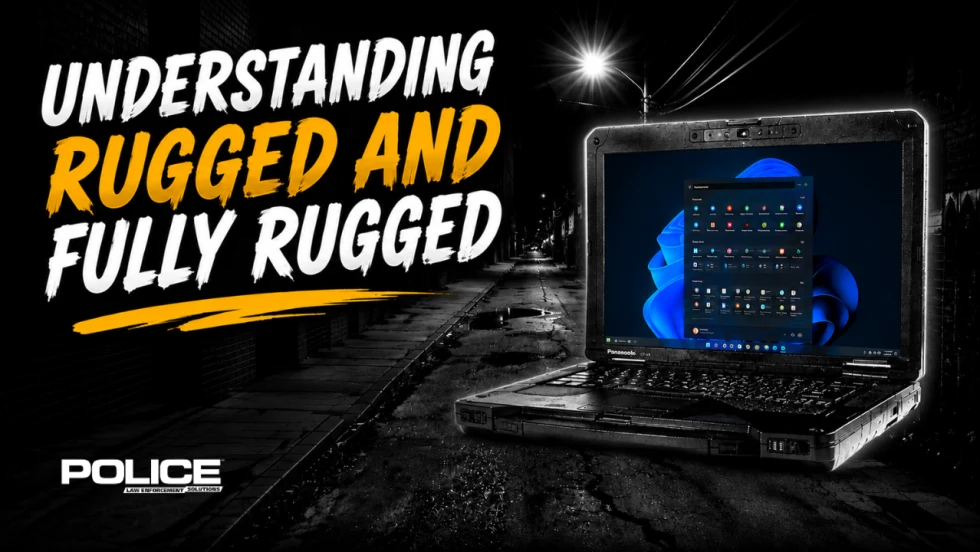
What Qualifies a Laptop as Rugged or Fully Rugged?
Police officers face a wide range of working conditions that can damage or even destroy a regular consumer laptop. Learn what qualifies a computer as rugged or fully rugged and why those devices are vital for law enforcement.
Read More →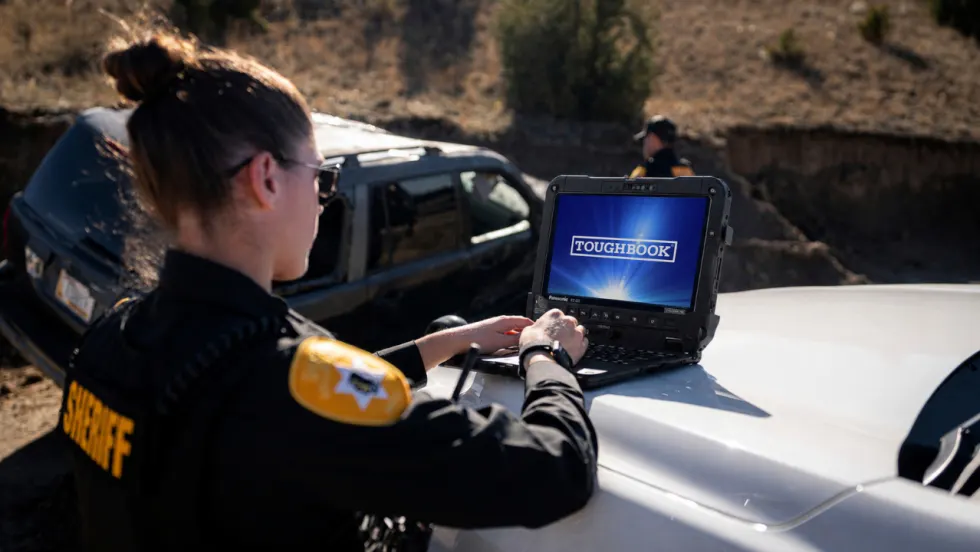
Panasonic Connect Launches the Toughbook 34 and Toughbook G3, Fully Rugged 2-in-1 Mobile Computers
Panasonic Connect has launched the Toughbook 34 and Toughbook G3 to facilitate in-vehicle dispatch, records management, and mobile command operations from any location.
Read More →

A police agency's guide to data-driven fleet management
Costs are rising and the public expects more transparency into how their tax dollars are spent. This e-book shows how police agencies can use fleet data to take control of fleet expenses while improving officer safety and demonstrating fiscal responsibility to the communities they serve.
Read More →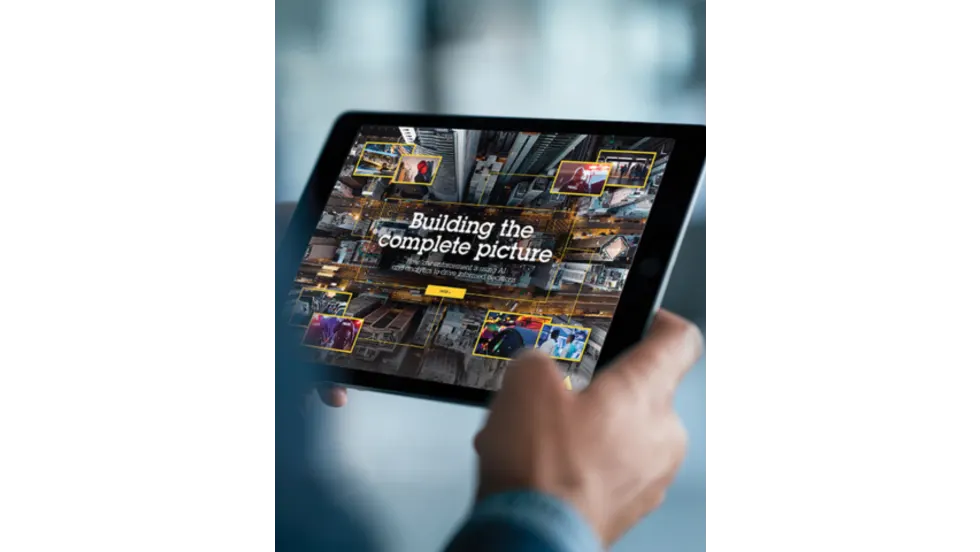
AI and analytics for law enforcement: Turning data into insights
Law enforcement agencies are managing more video, sensor data and digital evidence than ever before. Discover how AI and analytics can help turn that data into actionable insights that strengthen situational awareness, accelerate investigations and support more informed decisions.
Read More →
Vasco Electronics Adds Automatic Language Detection to Vasco Translator Q1
Vasco Electronics’ software update introduces hands-free language switching and expanded offline translation across 45 language pairs, empowering law enforcement, healthcare, and front-office enterprise teams
Read More →
North Miami Police Department Deploys Mark43
The North Miami Police Department has deployed Mark43 as part of its Five-Year Strategic Plan that represents its collective vision and goals for a more proactive police department, anchored by a core commitment to leveraging modern technology to enhance efficiency and public safety.
Read More →
Cellebrite Genesis for Enterprise Now Generally Available
Made available to the public sector in June, Cellebrite Genesis is serving a growing mix of national, regional, and local agencies worldwide, including some of the largest regional and metropolitan police departments. It is now available for enterprise organizations.
Read More →
2026 Vision FirstNet Users Summit to Host Emerging Leaders Training on Grassroots Advocacy for Public Safety
“Emerging Leaders Training: Understanding the Importance of Grassroots Advocacy for Public Safety," a session during the 2026 Vision FirstNet Users Summit, will offer a roadmap for unified advocacy at the federal level.
Read More →
Motorola Solutions Completes Acquisition of D-Fend Solutions
Motorola Solutions has acquired D-Fend Solutions, an industry leader in counter-drone technology. This deal provides public safety and enterprise customers with access to advanced counter-unmanned aerial systems.
Read More →