


How to Work with a Public Safety Software Vendor
Knowing how to build and maintain a good relationship with your public safety software vendor will help your agency get the most out of its software system and help it serve the public in the most efficient way possible.

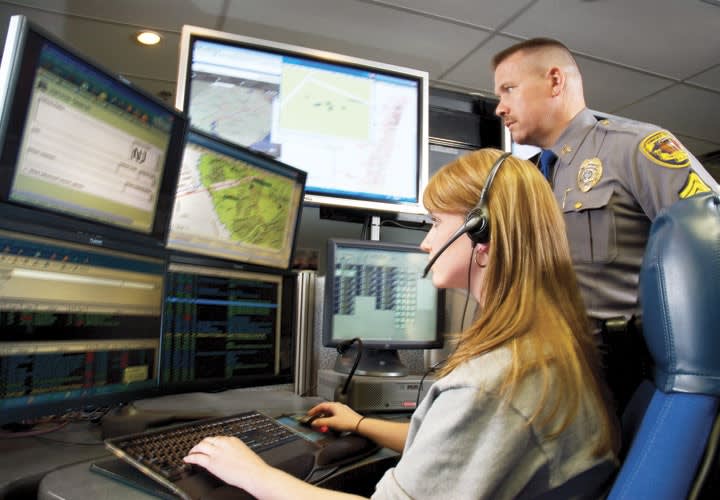
Photo courtesy of Spillman.
When your agency purchases a public safety software system, it's not just investing in a product. It is entering into a partnership with a software vendor that will hopefully last for years, if not decades.
Knowing how to build and maintain a good relationship with your public safety software vendor will help your agency get the most out of its software system and help it serve the public in the most efficient way possible.
Finding the Right Software
Your relationship with your public safety software vendor starts with choosing the right system. When deciding between vendors, make sure that you choose a stable company with the resources to meet your needs.
If your vendor is always on the verge of going out of business or doesn't offer the products your agency requires, frustration and disappointment are bound to follow. Asking questions like, "How long have you been in business?," "How much of your business do you devote to public safety software?," and "How often do you upgrade your software?" can help you sort through the competitors and find a system that is right for you.
What You Should Expect
The foundation for a good relationship with your software vendor begins long before contracts are signed. Your vendor should realize that every agency has different needs and a different budget. There truly is no one-size-fits-all solution when it comes to public safety software. Look for salespeople who realize that your agency has unique needs and are dedicated to discovering those needs in order to help you find a solution.
Not everyone is a software expert. Your vendor's sales representatives should be willing to explain system features and components on a level that makes sense to you, whether you are a computer guru or think that the words "Apple" and "tweet" still refer to fruit and birds.
Honesty is a critical component in every successful relationship, and your relationship with your public safety software vendor is no different. Look for vendors who are willing to be upfront with you about hidden costs like training, travel and per diem, and fees for upgrades.
You Can Help
Maintaining a good relationship with your public safety software vendor is a two-way street. During the sales process, start your partnership off on the right foot by keeping appointments and being on time for demos.
Also, keep an open mind when your sales representative suggests products or processes that can help your agency be more efficient, and encourage your coworkers to do the same. People are often reluctant to adopt new practices, even when it makes their jobs easier, but having this attitude will limit the benefits you see from your new system.
Enter into the sales process with a good understanding of your agency's needs and objectives. Many vendors offer a free needs analysis to help determine where improvements can be made—take advantage of it. Be sure to get a good feel for each vendor's background, software functionality, and customer service policies so that you can evaluate which company will give your agency the most value for its money.
Finally, help the salespeople meet personnel from multiple divisions within your agency. To truly get a feel for your agency's needs, they will need to see how everyone from the chief or sheriff to dispatchers and detectives are currently doing their jobs.
Project Implementation
Once you've found a software solution that meets your needs, it's time to begin the implementation process. Getting a new software system with state-of-the-art features is an exciting time for your agency, but the training and installation that a new system requires can be stressful.
By building on the relationship you've created with your public safety software vendor during the sales process, you can ensure that project implementation goes as smoothly as possible.
Your vendor should assign a project management team to help your agency make a smooth transition to the new system. Ask your project managers to help you create a "roadmap" that outlines when each step of the implementation process needs to be complete in order to meet your goal go-live date.
A software implementation can often require 200 to 300 hours of work on the agency's part, and breaking it up into separate steps can make the process seem much more manageable. Having a roadmap can also help avoid the frustration caused by missed deadlines or a last-minute scramble to get code tables created and agency personnel trained. During the implementation process, your project managers should check with your agency regularly to answer questions and ensure that goals are being met.
Be sure that you are clearly communicating your needs and concerns during the implementation process. Contact your project implementation team if you need additional help or don't understand a task that has been assigned to your agency. Asking questions in the beginning can save you from having to redo hours of work later on in the process.
Encourage software administrators, key software users, and agency decision-makers to participate in conference calls or meetings with your project managers. This will ensure that everyone has a clear idea of how the project is progressing.
It's also important that you maintain a positive attitude about your new software system and understand that experiencing some transitional challenges is par for the course. Employees are sometimes reluctant to attend training sessions and familiarize themselves with new technology, even if it means getting rid of a failing system they've complained about for years. Spreading the word about the benefits of the new software can help users realize that the implementation process and initial learning curve will be worthwhile.
Maintaining Your System
Once your system is up and running, you should continue to communicate with your vendor on a regular basis. Maintaining a good relationship will help you stay on top of software changes, enhancements, and training opportunities.
Your public safety software vendor should assign an ongoing account manager to keep your agency up-to-date on changes and help you resolve issues. The account manager should contact you weekly or monthly to make sure your system is running smoothly and should keep you informed about training sessions, upcoming events, and opportunities to network with other users in your area.
Account managers should also be willing to tailor their services to meet your needs. Some agencies prefer that their account managers check in on a monthly basis, while other agencies need to contact their account managers weekly or every other week to talk about questions and concerns.
Take the time to get to know your account manager and create a relationship with him or her. You should feel comfortable calling your account manager with problems or questions. If you struggle to communicate with your account manager or think that he or she isn't giving your agency the attention it deserves, contact your vendor. The company may be able to offer a solution or even assign a different account manager to your account.
Speak up about questions or concerns you have with your software system. If your public safety software isn’t meeting your needs, it is best to let your account manager know before the problems get too big. It is the account manager's job to relay your concerns to others in the company, and he or she may be able to advocate for a patch or enhancement to help fix the issue. Your account manager may also be able to put you in touch with another agency that has found a solution or workaround.
Technical Support
Software issues and system downtime can compromise the safety of your community and your agency's ability to respond efficiently to problems. Maintaining a good relationship with your vendor’s support staff can ensure that you get the help you need on a timely basis.
Your vendor's support staff should be responsive to your concerns and provide you with an estimate of when your issue can be addressed or resolved. Support staff should also keep a record of ongoing issues so that you don't have to rehash the problem every time you call to check on its status.
Dealing with stressed, worried agency personnel is part of the job description for software support staff, and they should remain polite and courteous while helping you fix the problem as quickly as possible. They should also be honest about system bugs and flaws. If the problem is part of a long-term issue that is not going to be fixed any time soon, they should let you know up front and, ideally, help you find a temporary solution.
You can help your vendor's support staff solve problems faster by finding out as much about the problem as possible before you call in. Being able to describe when the issue started and what exactly is going wrong will help avoid frustration on both ends of the phone line.
Avoid any surprise fees by becoming familiar with your support contract. You might want to wait until Monday morning to call about a problem that occurs on Friday night if it means avoiding an after-hours charge.
Treat your vendor's support staff with the same respect that you give your coworkers. It's easy for tempers to flare when things go wrong, but being rude or demanding immediate answers won't get the issue fixed any faster and may make support staff less willing to go the extra mile to solve your problem. Remember that the support staffer on the other end of the phone isn't personally responsible for the software issue at hand.
Every good relationship takes work, and your agency's relationship with your public safety software vendor is no different. With a little effort and an emphasis on mutual respect and good communication, you can build and maintain a relationship with your vendor that will last the lifetime of your public safety software system.
Lynze Wardle Lenio has been writing about public safety software for Spillman Technologies for more than five years. She can be contacted at llenio@spillman.com
More Technology
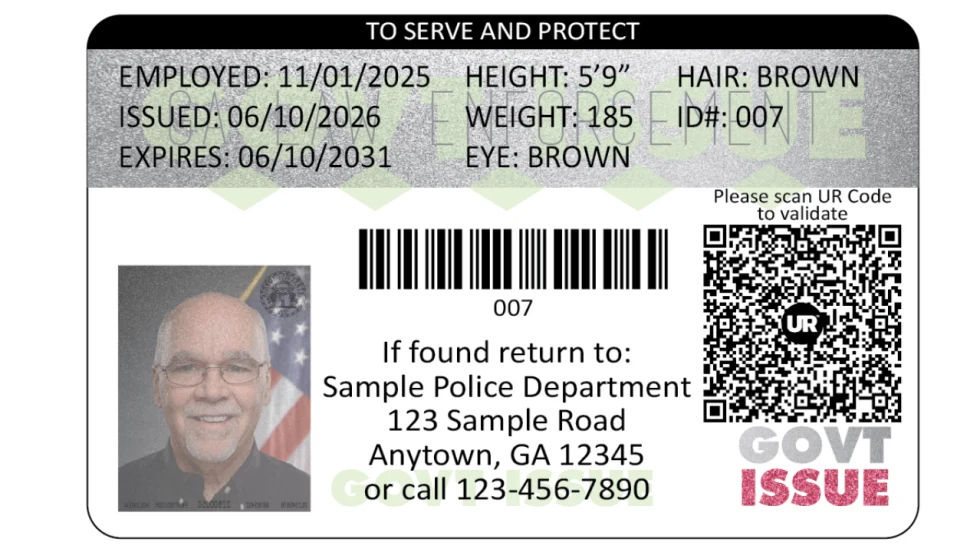
FaceTec and Police & Sheriffs Press Announce Law Enforcement UR Code Partnership
FaceTec has partnered with Police & Sheriffs Press to supply secure ID cards to law enforcement agencies. UR Codes to be added to photo IDs in over 6,000 police and sheriff's departments.
Read More →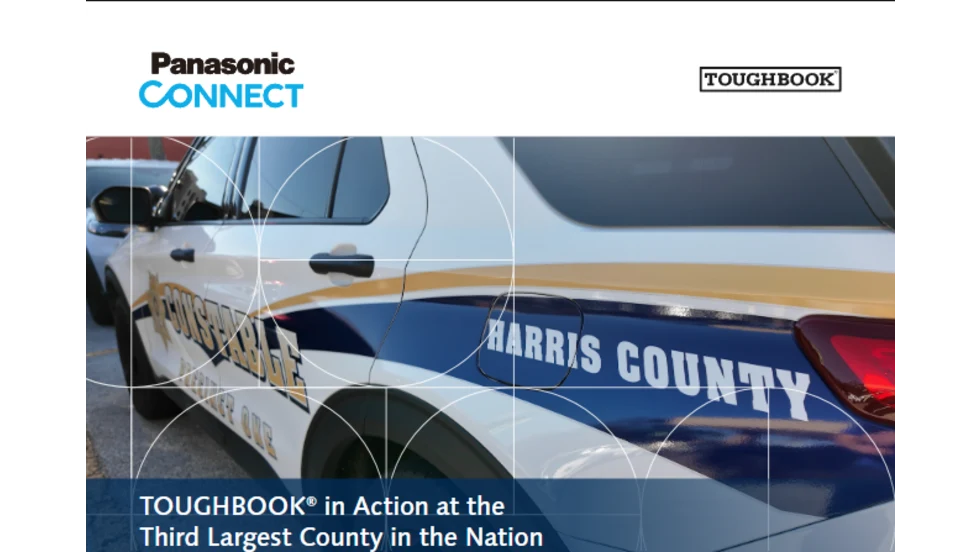
TOUGHBOOK in Action at the Third Largest County in the Nation – Harris County, TX
Learn how Harris County, one of the nation’s largest counties, modernized its law enforcement fleet with TOUGHBOOK® rugged laptops—strengthening security, productivity, and operational readiness across every unit.
Read More →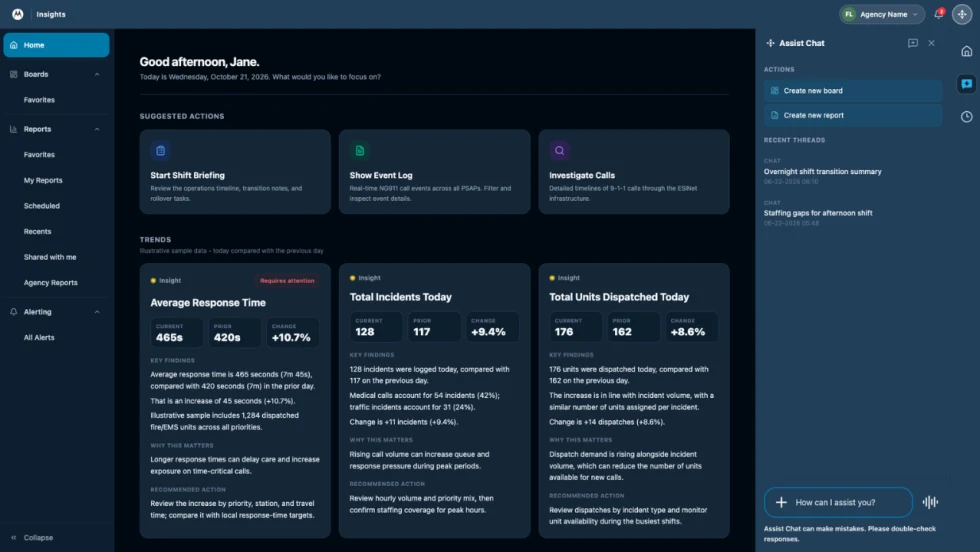
How Motorola Solutions’ New “Insights” Platform Helps Public Safety Agencies Identify Trends to Improve Their Operations
Motorola Solutions has introduced Insights, which leverages Assist, its mission-critical artificial intelligence (AI), to address these challenges and shape what’s next for public safety analytics and reporting technology.
Read More →
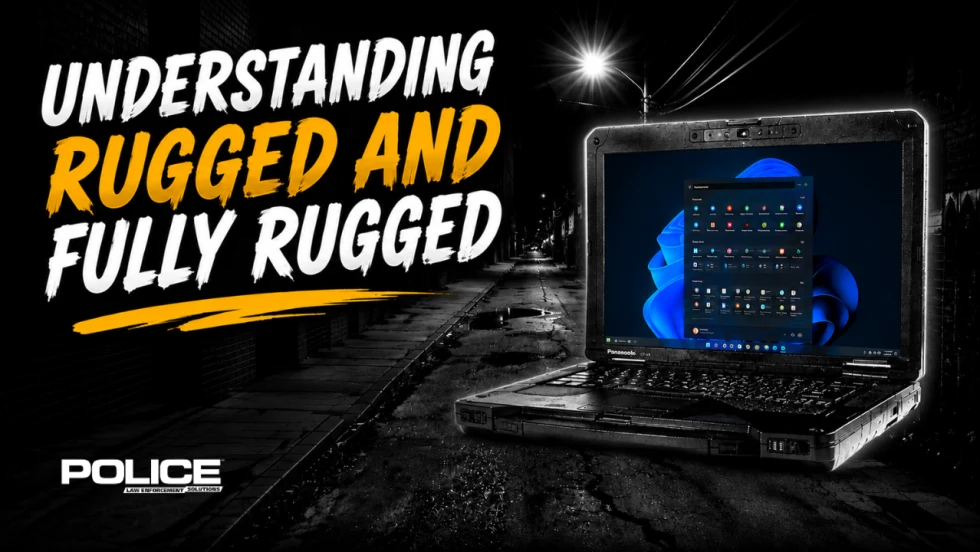
What Qualifies a Laptop as Rugged or Fully Rugged?
Police officers face a wide range of working conditions that can damage or even destroy a regular consumer laptop. Learn what qualifies a computer as rugged or fully rugged and why those devices are vital for law enforcement.
Read More →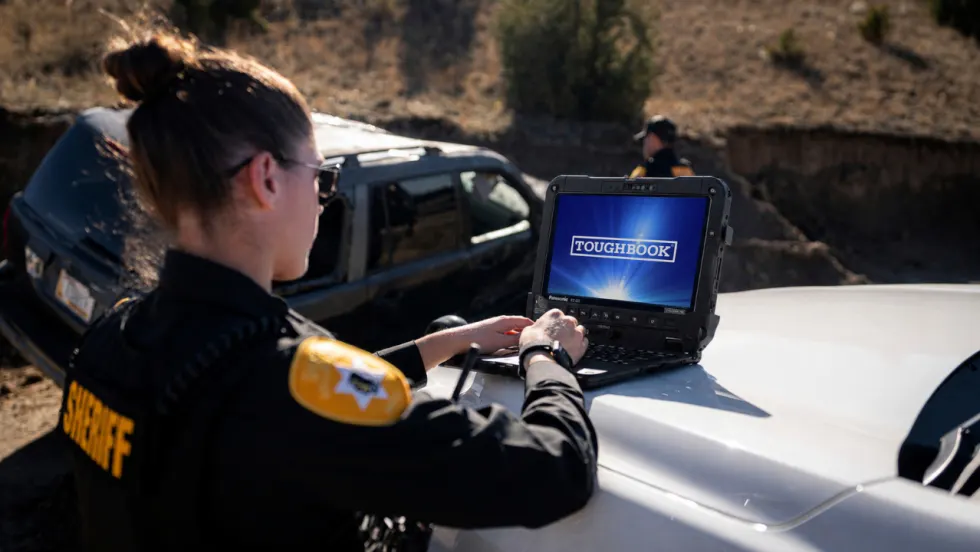
Panasonic Connect Launches the Toughbook 34 and Toughbook G3, Fully Rugged 2-in-1 Mobile Computers
Panasonic Connect has launched the Toughbook 34 and Toughbook G3 to facilitate in-vehicle dispatch, records management, and mobile command operations from any location.
Read More →
A police agency's guide to data-driven fleet management
Costs are rising and the public expects more transparency into how their tax dollars are spent. This e-book shows how police agencies can use fleet data to take control of fleet expenses while improving officer safety and demonstrating fiscal responsibility to the communities they serve.
Read More →
AI and analytics for law enforcement: Turning data into insights
Law enforcement agencies are managing more video, sensor data and digital evidence than ever before. Discover how AI and analytics can help turn that data into actionable insights that strengthen situational awareness, accelerate investigations and support more informed decisions.
Read More →
Vasco Electronics Adds Automatic Language Detection to Vasco Translator Q1
Vasco Electronics’ software update introduces hands-free language switching and expanded offline translation across 45 language pairs, empowering law enforcement, healthcare, and front-office enterprise teams
Read More →
North Miami Police Department Deploys Mark43
The North Miami Police Department has deployed Mark43 as part of its Five-Year Strategic Plan that represents its collective vision and goals for a more proactive police department, anchored by a core commitment to leveraging modern technology to enhance efficiency and public safety.
Read More →
Cellebrite Genesis for Enterprise Now Generally Available
Made available to the public sector in June, Cellebrite Genesis is serving a growing mix of national, regional, and local agencies worldwide, including some of the largest regional and metropolitan police departments. It is now available for enterprise organizations.
Read More →