



Easypano Crime Scene Virtual Tour & Publisher
Crime scene investigation is a basic step in every criminal investigation. Beyond the wizardry of DNA and trace fiber analysis that are shown on TV shows like “CSI” there are other vital tasks that crime scene technicians and detectives perform to connect the dots and solve the crime. One of these tasks is photography.

Crime scene investigation is a basic step in every criminal investigation. Beyond the wizardry of DNA and trace fiber analysis that are shown on TV shows like “CSI” there are other vital tasks that crime scene technicians and detectives perform to connect the dots and solve the crime. One of these tasks is photography.
I know what you’re thinking. There’s nothing new about good crime scene photography. Wrong. There are new tools, and I’m going to recommend one of them. Easypano’s Crime Scene Virtual Tour (CSVT) software lets you and, if necessary, each juror virtually step into your scene without having to leave the comfort and security of the courtroom. All you’ll need is some decent camera equipment, a good computer, and, of course, CSVT.
Easypano’s CSVT application is a no-brainer if you’re looking for a great way to capture an entire crime scene with two or three hemispheric photos. To understand hemispheric, take one of my favorite sports objects, a baseball, and cut it in half. Now you have two hemispheres. Now, consider your crime scene. It has all three dimensions, just take a couple of 183-degree shots with a fish-eye lens. and you can tour your scene from virtually any angle.
With conventional photography you’d need dozens of overlapping shots to achieve a 360-degree panorama of a crime scene, and you would still have confusing perspectives and limited range both horizontally and vertically. But CSVT lets you look at a panoramic scene from any angle. You can even zoom, pan, tilt, and rotate while considering the facts of the crime.
If a suspect says she was standing at a certain place, you can virtually put yourself there and see her perspective. If a witness claims he saw the whole thing, a couple of shots and you’ll know what he could and more importantly could not have seen. Simply put, the 360-degree imagery produced by CSVT makes you feel as if you wandered through the scene.
To get started you’ll need basic knowledge of camera operations. And you’ll need a camera. Which means you’ll also have to make a decision about image quality. Do you need high-quality digital images or will you use it to supplement your 35mm stills?
Easypano recommends digital photography to avoid the extra step of scanning images. But if all you have is a film camera, you can still use the software. On the company’s Website, you will find recommendations about both low- and high-end imaging solutions.
I own a Nikon Coolpix 995 and a Canon EOS 20D, so I was able to test the CSVT software at both ends of the image quality spectrum. After borrowing a fish-eye adapter I needed to acquire one more important tool that would allow me to use CSVT, a rotating tripod head.
A spherical panoramic tripod head, or “rotator,” lets the camera spin the essential number of degrees to compose hemispheric shots. The rotator mounts on any high-quality tripod and both are absolutely necessary for the shot. The panoramic head I found was designed by Agno’s Engineering, www.agnos.com, an Italian company that manufactures high-end solutions for panoramic photography.
Using my Nikon with the fish-eye adapter, I was able to take my first shot then rotate the camera 180 degrees counter clockwise for the other half. As I mentioned earlier your tripod is another essential since I suspect you’ll be doing most of your work indoors. This means that you will need to use long exposures in existing light with the aperture of the lens closed down to give you the largest depth of field possible, something you can’t do without a tripod. The large depth of field keeps items in focus both close to the camera and further away, and this is essential in crime scene photograpy.
Once you’ve finished the principal photography, it’s back to your PC where you can upload your images and use the CSVT stitching software to blend them together. You’ll need a Pentium III PC or higher running at 500 MHz or faster with at least 256MB of RAM and 100MB of free hard drive space. You’ll also need a fast video card running 800x600, with no less than 256 colors on the screen. CSVT runs on all of the typical Windows platforms from Windows98 through XP.
After loading and registering the software you’re ready to begin. Don’t ignore registering the software as there are benefits availabe to registered users on the Easypano Website (www.easypano.com).
The user interface for the photographic stitching software is intuitive and has both automatic and manual stitching methods. Additionally, you’ll find it packed full of tools that will help you make nearly any adjustment necessary to create a perfect sphere.
After you have created your panoramic shot, the “publishing” application lets you create a tour for your audience. It’s totally up to you. You can add hot spots to display appropriate information or link them to sound files, allowing you to give the viewer an audio guided tour. You can also insert a map or a floor plan of the crime scene, or link multiple panoramic shots together from one crime scene.
Once you’ve added all the bells and whistles, let Easypano’s “Virtual Publisher” do its job and you’ll have a Java-enabled tour that you can view with any Internet browser.
Think of it like a realtor’s virtual home tour but in your case you’re using it to tell a story to a jury. If a picture is supposedly worth a thousand words, a virtual tour of a crime scene could be the piece of evidence that convinces 12 people that you’ve made your case beyond a reasonable doubt.
Bob Davis supervises the San Diego Police Department’s computer lab. He has 26 years of experience on the force.
More Technology

A police agency's guide to data-driven fleet management
Public trust is earned through transparency, and your fleet data can help demonstrate it. This ebook shows how police agencies can use fleet management solutions to strengthen accountability, improve officer safety and responsibly use public funds.
Read More →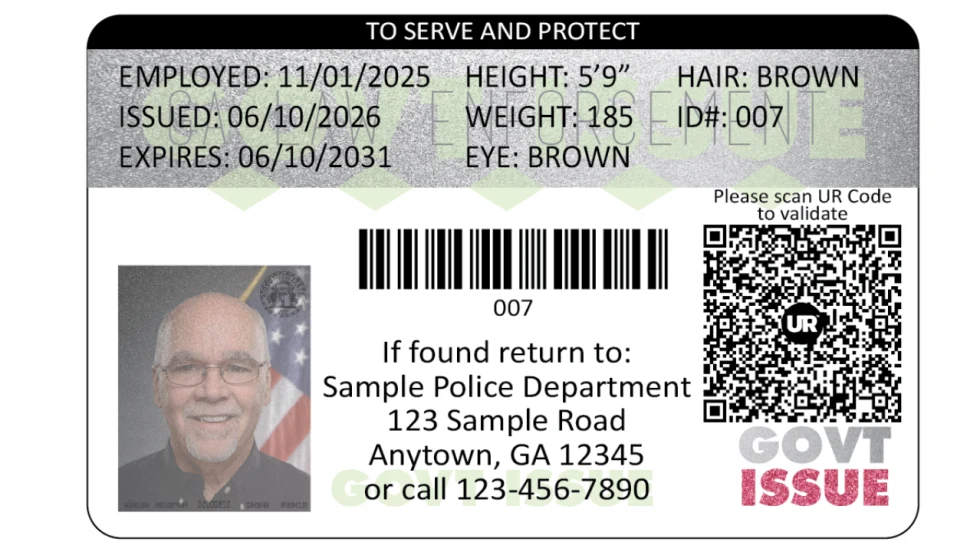
FaceTec and Police & Sheriffs Press Announce Law Enforcement UR Code Partnership
FaceTec has partnered with Police & Sheriffs Press to supply secure ID cards to law enforcement agencies. UR Codes to be added to photo IDs in over 6,000 police and sheriff's departments.
Read More →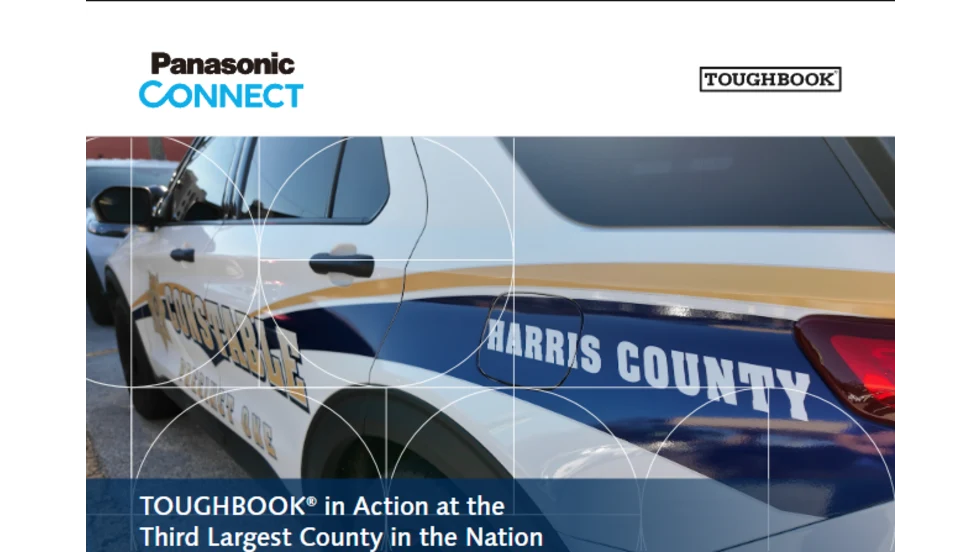
TOUGHBOOK in Action at the Third Largest County in the Nation – Harris County, TX
Learn how Harris County, one of the nation’s largest counties, modernized its law enforcement fleet with TOUGHBOOK® rugged laptops—strengthening security, productivity, and operational readiness across every unit.
Read More →
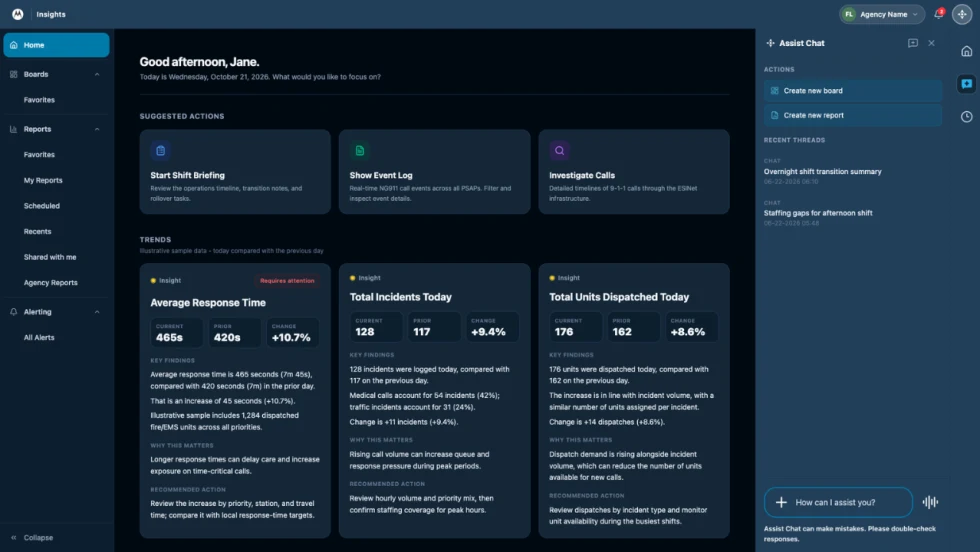
How Motorola Solutions’ New “Insights” Platform Helps Public Safety Agencies Identify Trends to Improve Their Operations
Motorola Solutions has introduced Insights, which leverages Assist, its mission-critical artificial intelligence (AI), to address these challenges and shape what’s next for public safety analytics and reporting technology.
Read More →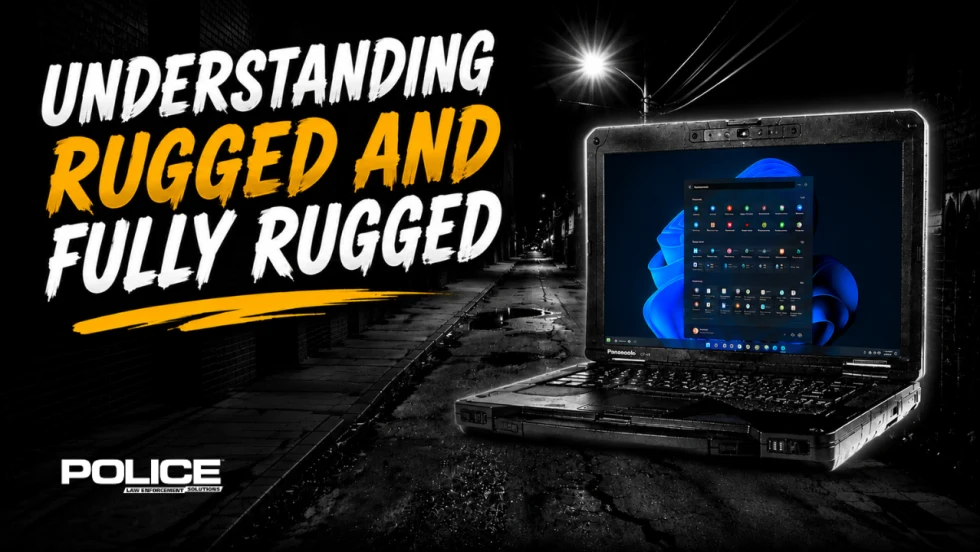
What Qualifies a Laptop as Rugged or Fully Rugged?
Police officers face a wide range of working conditions that can damage or even destroy a regular consumer laptop. Learn what qualifies a computer as rugged or fully rugged and why those devices are vital for law enforcement.
Read More →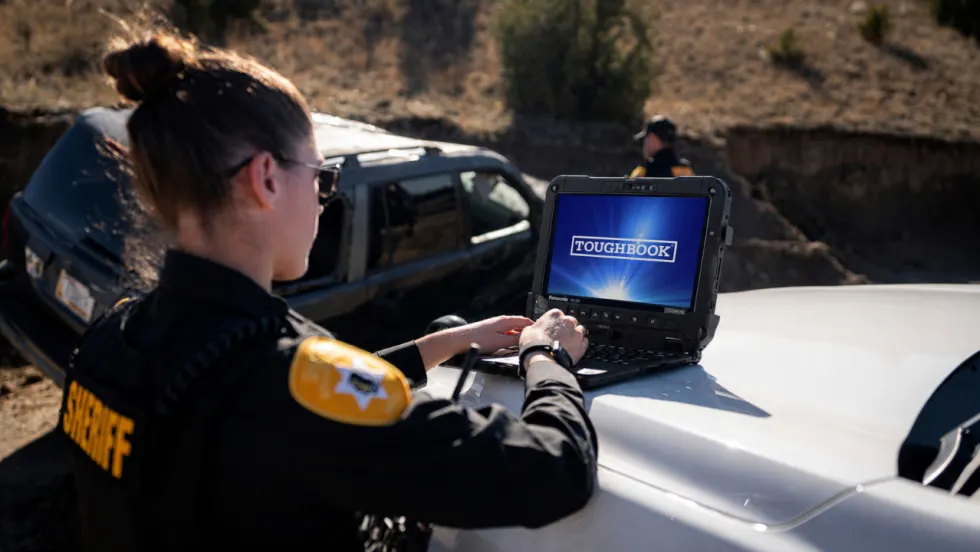
Panasonic Connect Launches the Toughbook 34 and Toughbook G3, Fully Rugged 2-in-1 Mobile Computers
Panasonic Connect has launched the Toughbook 34 and Toughbook G3 to facilitate in-vehicle dispatch, records management, and mobile command operations from any location.
Read More →
AI and analytics for law enforcement: Turning data into insights
Law enforcement agencies are managing more video, sensor data and digital evidence than ever before. Discover how AI and analytics can help turn that data into actionable insights that strengthen situational awareness, accelerate investigations and support more informed decisions.
Read More →
Vasco Electronics Adds Automatic Language Detection to Vasco Translator Q1
Vasco Electronics’ software update introduces hands-free language switching and expanded offline translation across 45 language pairs, empowering law enforcement, healthcare, and front-office enterprise teams
Read More →
North Miami Police Department Deploys Mark43
The North Miami Police Department has deployed Mark43 as part of its Five-Year Strategic Plan that represents its collective vision and goals for a more proactive police department, anchored by a core commitment to leveraging modern technology to enhance efficiency and public safety.
Read More →
Cellebrite Genesis for Enterprise Now Generally Available
Made available to the public sector in June, Cellebrite Genesis is serving a growing mix of national, regional, and local agencies worldwide, including some of the largest regional and metropolitan police departments. It is now available for enterprise organizations.
Read More →