



Logicube Forensic MD5
Last year I devoted two columns to reviews of different computer forensics software. This month I’m revisiting computer forensics once again, but this time let’s look at a hardware device developed for the cybercrime investigator.

Last year I devoted two columns to reviews of different computer forensics software. This month I'm revisiting computer forensics once again, but this time let's look at a hardware device developed for the cybercrime investigator.
One of the key tasks of the cyber cop is to find and document evidence of the crime on computers used by the suspect. Unfortunately, there are times when it's unreasonable or more likely impractical to seize someone or some organization's computer assets.
For example, let's say you're investigating a financial crime perpetrated from a college computer lab. Removing all the computers from the lab would be a huge task, it would disrupt the lab's educational mission, and it would generally tick off the college faculty. In this case, what you need is a portable device that can capture all of the information on the computers and leave them in place.
The tool for this job is Logicube's portable Forensic MD5. This 16-ounce handheld unit makes exact images or copies of a suspect storage drive or device.
To grasp a basic understanding of the process, you could compare imaging a hard disk to taking a picture. The Forensic MD5 unit is the camera. It stores an image of the suspect's hard drive. Then, when you are ready, all you have to do is "print" the image onto a new evidentiary hard disk for examination and courtroom presentation.
It's no surprise that Logicube would develop such a powerful portable forensic data tool. The Chatsworth, Calif.-based company is an industry leader in hard drive duplication, backup, data recovery, and computer forensics systems. Its hard drive cloning and duplication systems are used by IT departments worldwide. And Logicube's new line of forensic tools is key to the fight against cybercrimes and was used by the FBI to gain evidence against Zacarias Moussaoui, the accused "20th 9/11 hijacker."
Logicube's Forensic MD5 system is designed specifically for the requirements of professional law enforcement investigators, corporate security departments, and cybercrime investigation of forensic computer data. The handheld IDE hard drive data capturing system is ideal for fast disk drive data seizure. Using its built-in CRC-32 engine, the MD5 images data at speeds up to 3.3GB per minute. Its tamper-proof drive capture ensures bit-for-bit, sector-by-sector accuracy, guaranteeing zero chance of alteration of the suspect and evidence drives.
The Forensic MD5 kit comes in a ruggedized waterproof carrying case that's about the size of a small suitcase. It contains almost all of the components you'll need for an on-site forensic extraction. However, one necessary item not supplied is the destination storage device. These days the cost of large storage devices is so low I was surprised Logicube didn't include a 200GB hard drive in each kit.
Logicube supplies two copies of the software to run the MD5 unit. One is loaded onto a 64MB CompactFlash card; the other is on one of the four 3.5-inch floppy disks that come with the kit.[PAGEBREAK]
The Forensic MD5's operation software includes sample "keyword" lists, which can be used to conduct preliminary screening of a suspect drive. Presence of one or more of these keywords on a suspected drive could be the probable cause you'll need for a more in-depth search. Logicube supplies sample lists for terrorism, controlled substances, computer crimes, and hate groups. The lists are simple text files that can be edited by any plain text editor such as Microsoft's Notepad.
Also included in the Forensic MD5 kit are a variety of patch cables, including one long enough to capture a drive's image while it's still mounted in the suspect's PC. There's also a PCMCIA or PC card adapter for grabbing data from a notebook PC and a USB WritePROtect dongle that can be used to capture information via a computer's USB 1.1 or 2.0 ports.
Other components in the kit include a small flashlight, a screwdriver for opening computer casings, and a Canon portable inkjet printer for producing a hard copy record of your work. If you do run into a situation where info is stored on a more exotic space such as an iPod, CF card, or other device, Logicube sells specialized adapters.
The process for capturing an exact image of a suspect disk with the Forensic MD5 is actually quite easy. Once you've installed the proper cables, power up the unit and install the destination drive within the MD5 unit. Remember, the source drive-the suspect drive-always remains outside the unit. If you accidentally place the suspect hard drive into the Forensic MD5 unit, you will wipe out all the data on your suspect's hard disk, which is a really, really bad thing.
Indicator lights and an LCD display on the Forensic MD5 prompt you on what to do once you hook the machine up to a suspect disk. If you run into a problem, context-sensitive help can be accessed by pressing the "?" button.
Data can be cloned from a suspect drive in Native Capture and DD Image Capture modes. Native Capture images all data at the sector level and sends it to a dedicated destination drive. DD Image Capture creates a subdirectory for each drive captured with files that are easily accessible with other forensic software such as Encase and ILook.
Once you've selected your capture mode, scroll to "Capture" on the LCD display and press select. Choose any appropriate option such as Verify, On Error, or Speed, then press the Start/Stop button twice. After completing a CRC32 integrity scan of the destination drive, the unit will mirror or clone the data from the suspect to the new destination drive. The capture ends with a "Capture Successful" message on the display with the MD5 Hash value for both drives.
If you are looking for an easy and secure way to clone hard drives for forensic analysis, then look at Logicube's Forensic MD5 kit. It's a great tool for your cybercrime investigation arsenal.
Bob Davis supervises the San Diego Police Department's computer lab. He has 26 years of experience on the force.
More Technology
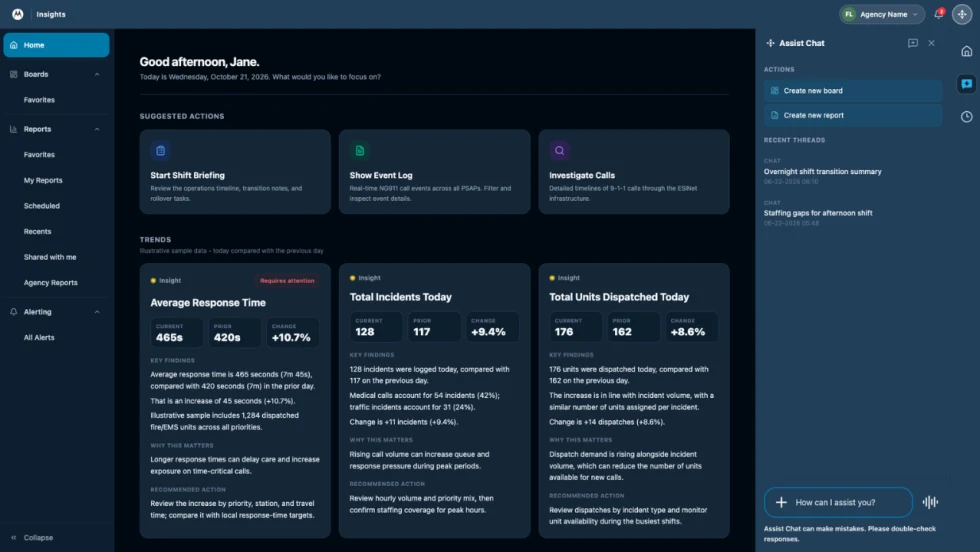
How Motorola Solutions’ New “Insights” Platform Helps Public Safety Agencies Identify Trends to Improve Their Operations
Motorola Solutions has introduced Insights, which leverages Assist, its mission-critical artificial intelligence (AI), to address these challenges and shape what’s next for public safety analytics and reporting technology.
Read More →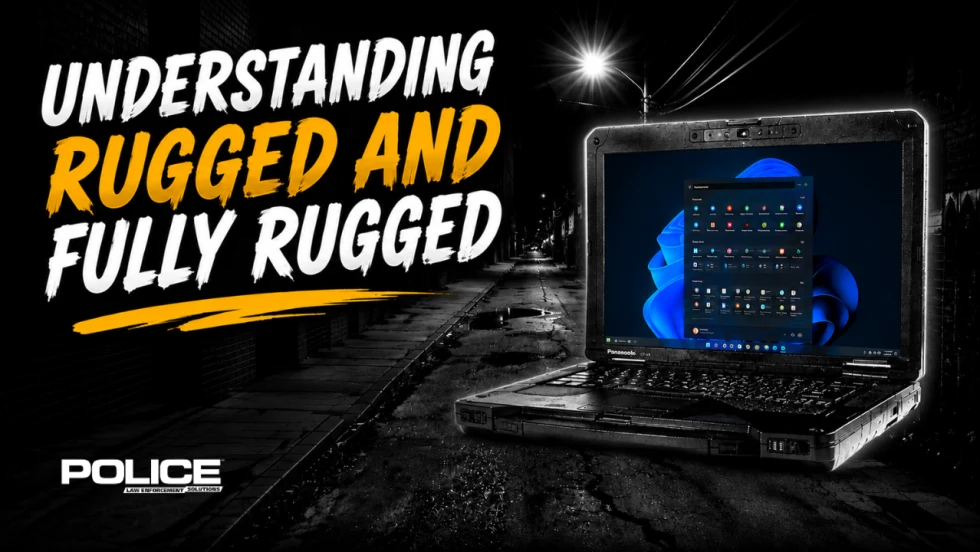
What Qualifies a Laptop as Rugged or Fully Rugged?
Police officers face a wide range of working conditions that can damage or even destroy a regular consumer laptop. Learn what qualifies a computer as rugged or fully rugged and why those devices are vital for law enforcement.
Read More →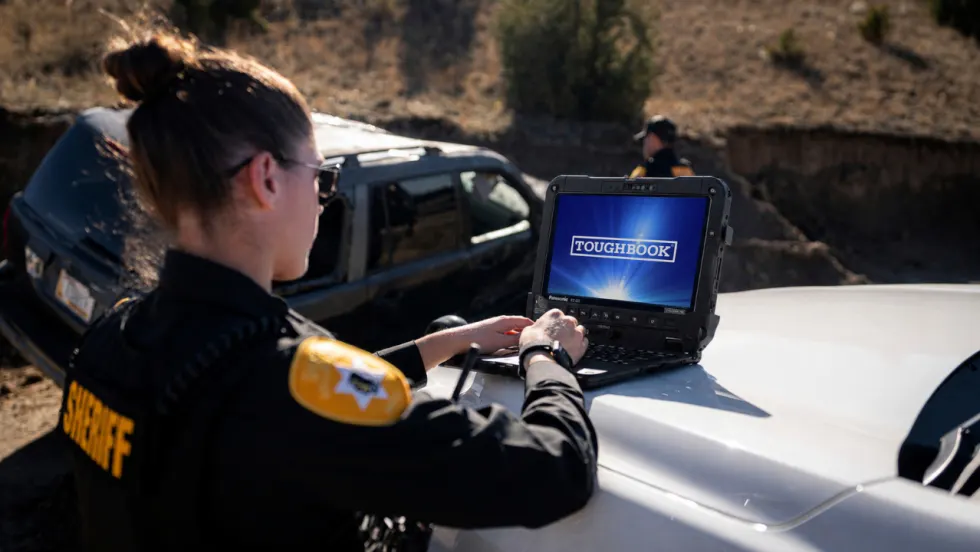
Panasonic Connect Launches the Toughbook 34 and Toughbook G3, Fully Rugged 2-in-1 Mobile Computers
Panasonic Connect has launched the Toughbook 34 and Toughbook G3 to facilitate in-vehicle dispatch, records management, and mobile command operations from any location.
Read More →

A police agency's guide to data-driven fleet management
Costs are rising and the public expects more transparency into how their tax dollars are spent. This e-book shows how police agencies can use fleet data to take control of fleet expenses while improving officer safety and demonstrating fiscal responsibility to the communities they serve.
Read More →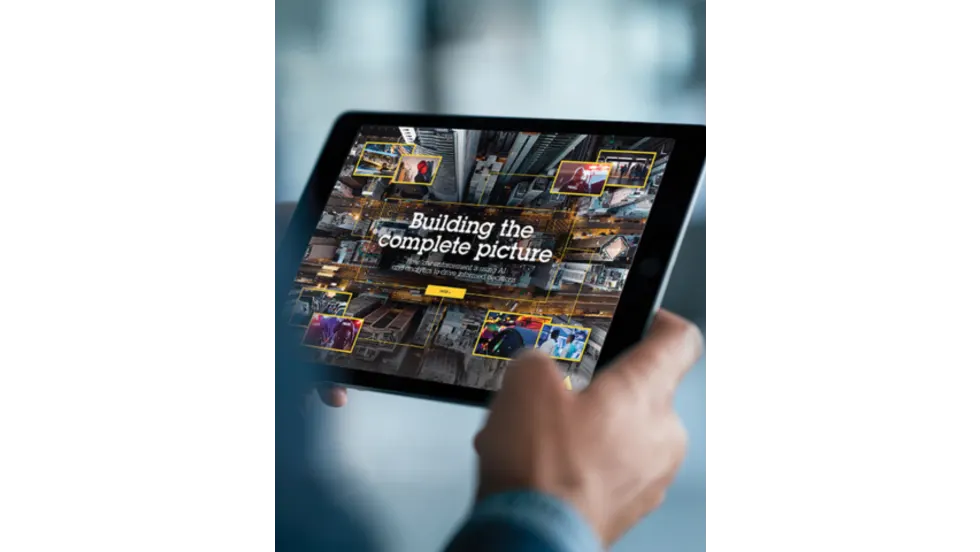
AI and analytics for law enforcement: Turning data into insights
Law enforcement agencies are managing more video, sensor data and digital evidence than ever before. Discover how AI and analytics can help turn that data into actionable insights that strengthen situational awareness, accelerate investigations and support more informed decisions.
Read More →
Vasco Electronics Adds Automatic Language Detection to Vasco Translator Q1
Vasco Electronics’ software update introduces hands-free language switching and expanded offline translation across 45 language pairs, empowering law enforcement, healthcare, and front-office enterprise teams
Read More →
North Miami Police Department Deploys Mark43
The North Miami Police Department has deployed Mark43 as part of its Five-Year Strategic Plan that represents its collective vision and goals for a more proactive police department, anchored by a core commitment to leveraging modern technology to enhance efficiency and public safety.
Read More →
Cellebrite Genesis for Enterprise Now Generally Available
Made available to the public sector in June, Cellebrite Genesis is serving a growing mix of national, regional, and local agencies worldwide, including some of the largest regional and metropolitan police departments. It is now available for enterprise organizations.
Read More →
2026 Vision FirstNet Users Summit to Host Emerging Leaders Training on Grassroots Advocacy for Public Safety
“Emerging Leaders Training: Understanding the Importance of Grassroots Advocacy for Public Safety," a session during the 2026 Vision FirstNet Users Summit, will offer a roadmap for unified advocacy at the federal level.
Read More →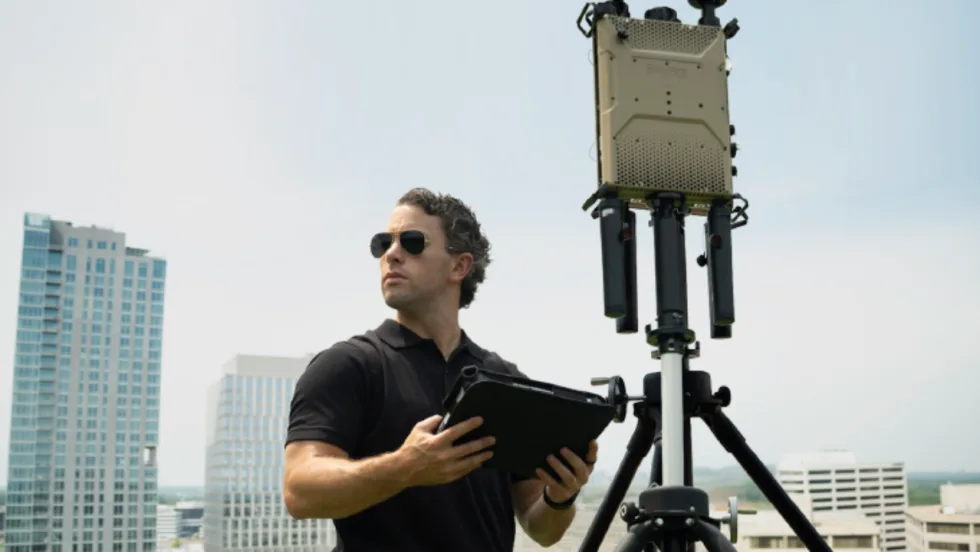
Motorola Solutions Completes Acquisition of D-Fend Solutions
Motorola Solutions has acquired D-Fend Solutions, an industry leader in counter-drone technology. This deal provides public safety and enterprise customers with access to advanced counter-unmanned aerial systems.
Read More →