


CornerStone Applications RangeMaster Pro
You train. And you train a lot. But if you can't detail the relevant results of firearms training and qualifying shoots other than just scoring which officers passed or failed, then you're fueling the fires of allegations and litigation.

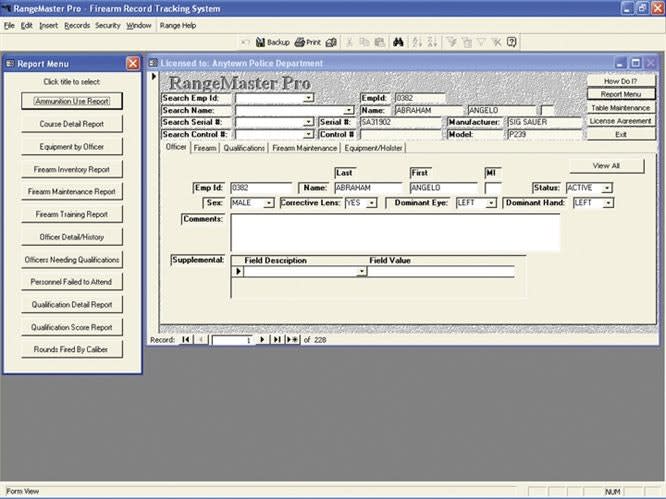
CornerStone Applications’ RangeMaster Pro is a simple but powerful tool for keeping track of firearm training sessions and qualification shoots at any size of agency.
Training with firearms is a necessity for every law enforcement agency. Unfortunately, many agencies do a poor or inefficient job of tracking and documenting this training.
I find this odd, especially in the light of the documentation that is required when an officer uses deadly force. These days, when every officer can be sued just for doing his or her job, I believe it is critical to document the firearms training conducted by your agency.
You train. And you train a lot. But if you can't detail the relevant results of firearms training and qualifying shoots other than just scoring which officers passed or failed, then you're fueling the fires of allegations and litigation.
So with this need in mind, I started looking for software that could track all of the components that affect firearms qualification shoots and practices. What I found was CornerStone Applications' RangeMaster Pro.
If you're looking for an inexpensive, out-of-the-box solution for documenting firearms training, RangeMaster Pro may be on target. Born out of necessity, RangeMaster Pro was created by CornerStone's programmers working with the guidance of law enforcement professionals.
Perhaps it was the influence of these real cops that inspired the programmers to make RangeMaster Pro both easy to use and so graphically simple that it can run on the older computers found in many police offices.
Built on Microsoft's Access 97 engine, RangeMaster Pro can run on Windows 95, even on PCs with the decade-old Intel 486 processor. RangeMaster Pro's installation requires only 22MB of hard drive space, and it will operate on 16MB of RAM. You'll also need a CD-ROM drive and video card capable of resolutions no less than 800x600.
But don't let the simplicity of RangeMaster Pro fool you. It's actually a very flexible and powerful tool.
The software can be licensed for network use in a client-server environment, allowing multiple users to work simultaneously on data without any conflicts. For smaller agencies, just set it up on a PC at your range and use it as a standalone application.
Installing RangeMaster Pro on a 486 running Windows 95 is probably easy. Unfortunately, I tried to install it on a state-of-the-art PC running Windows XP and ran into problems, not with RangeMaster Pro, but with Windows XP's Windows registry. The problem was easily resolved by placing a call to CornerStone's helpdesk. Later, when I tried a second installation on a much older Windows 98 PC, there were no issues.[PAGEBREAK]
Here's how RangeMaster Pro works:
After following the software's quick start instructions, enter the names of your instructors and your armorers.
Now, you can set security access for the database, giving rights to certain users to update and administer the application while others may only view data when it's necessary to do their work. This is an excellent feature in RangeMaster Pro. Accounts can be created and deleted as necessary by those who hold administrative rights.
Next, populate the database by entering identifying personnel information and firearm information including make, model, caliber, and type. If you choose, RangeMaster can also track the holster used by each officer. This could be an excellent source of data for studies on weapon retention.
The software is also capable of tracking other equipment issued with supplemental fields on the corresponding screens. You can easily track anything issued to your department's officers, including ammunition, cleaning kits, targets, carbines, or anything else.
Once you have the basic information in your database, you can use RangeMaster Pro to create a "course of fire." Each course of fire can be given a unique course ID and a complete description, including total rounds to be fired, maximum possible score, passing score, distance(s) for the shoot, and the location of the training.
After the training session, you can use RangeMaster Pro's built-in reporting tools to discover who missed the qualification. You can also prepare several after-training reports using the software's built-in templates for such concerns as ammunition usage, course details, types of weapons used, etc.
In addition to the built-in query and report tools, RangeMaster Pro also allows you to use third-party tools such as Crystal Reports or custom reports. This lets agencies with hundreds of employees build custom reports that fill their needs, while smaller agencies may not find it relevant or necessary.
A revision of RangeMaster Pro is under way. Users should expect a leap to Microsoft's newer Access engine within a year. But when that happens, be warned, you'll have to jump up to newer hardware and, more than likely, a new operating system, too.
Since CornerStone's programmers are in the process of revising RangeMaster Pro, I'd like to make some suggestions.
How about an import tool? Many larger agencies have Access-compatible databases, and I'm betting that these users would rather import than re-key information.
I'd also like to see a pre-populated firearms database. Most law enforcement agencies restrict their duty weapons to a limited number of manufacturers and models. Having this information built into RangeMaster Pro would save a lot of time.
Another great addition would be some supplementary personnel features such as a field for entering the names of supervisors, days off, and unit information. With these fields, users could potentially use RangeMaster Pro not only to track, but also to schedule firearms training.
You can download a demo version of RangeMaster Pro at www.cornerstoneapplications.com.
Bob Davis supervises the San Diego Police Department's computer lab. He has 26 years of experience on the force.
More Technology
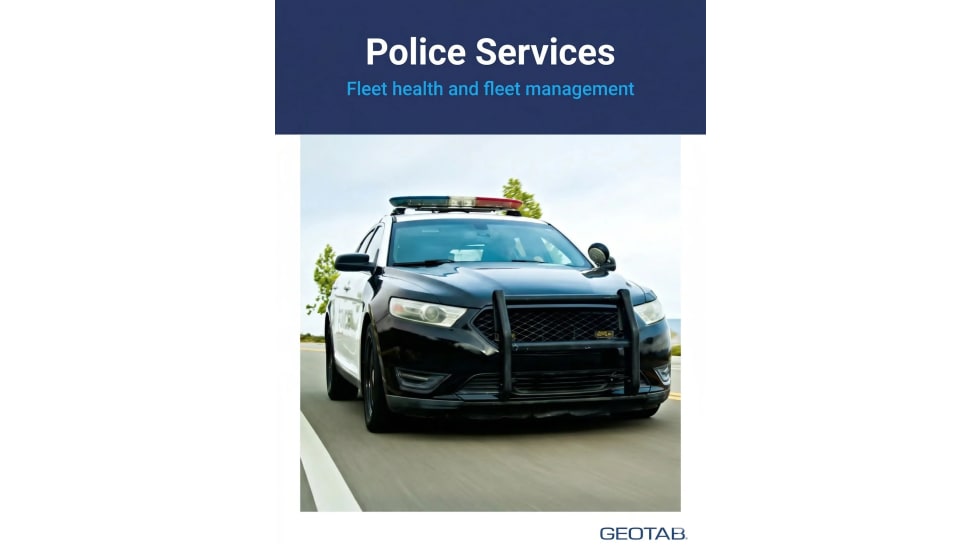
A police agency's guide to data-driven fleet management
Costs are rising and the public expects more transparency into how their tax dollars are spent. This e-book shows how police agencies can use fleet data to take control of fleet expenses while improving officer safety and demonstrating fiscal responsibility to the communities they serve.
Read More →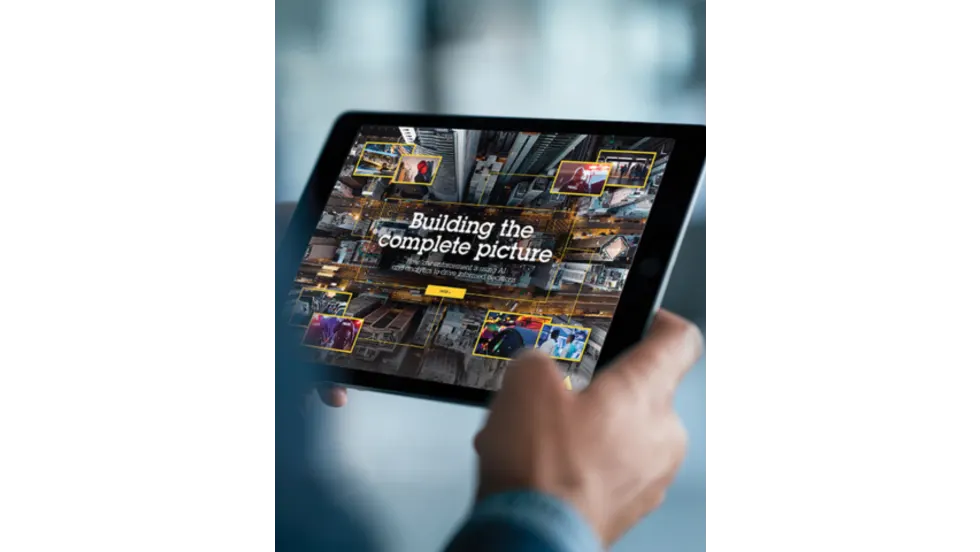
AI and analytics for law enforcement: Turning data into insights
Law enforcement agencies are managing more video, sensor data and digital evidence than ever before. Discover how AI and analytics can help turn that data into actionable insights that strengthen situational awareness, accelerate investigations and support more informed decisions.
Read More →
Vasco Electronics Adds Automatic Language Detection to Vasco Translator Q1
Vasco Electronics’ software update introduces hands-free language switching and expanded offline translation across 45 language pairs, empowering law enforcement, healthcare, and front-office enterprise teams
Read More →

North Miami Police Department Deploys Mark43
The North Miami Police Department has deployed Mark43 as part of its Five-Year Strategic Plan that represents its collective vision and goals for a more proactive police department, anchored by a core commitment to leveraging modern technology to enhance efficiency and public safety.
Read More →
Cellebrite Genesis for Enterprise Now Generally Available
Made available to the public sector in June, Cellebrite Genesis is serving a growing mix of national, regional, and local agencies worldwide, including some of the largest regional and metropolitan police departments. It is now available for enterprise organizations.
Read More →
2026 Vision FirstNet Users Summit to Host Emerging Leaders Training on Grassroots Advocacy for Public Safety
“Emerging Leaders Training: Understanding the Importance of Grassroots Advocacy for Public Safety," a session during the 2026 Vision FirstNet Users Summit, will offer a roadmap for unified advocacy at the federal level.
Read More →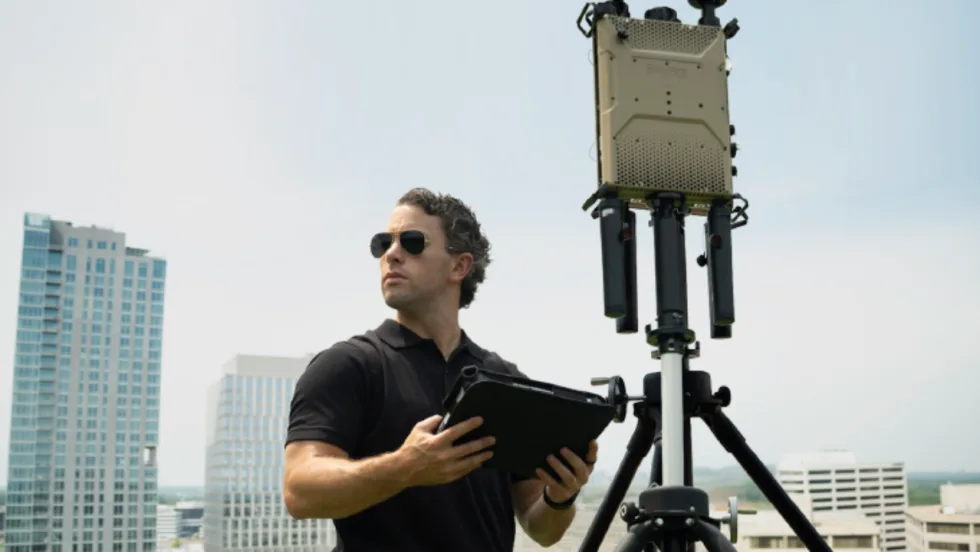
Motorola Solutions Completes Acquisition of D-Fend Solutions
Motorola Solutions has acquired D-Fend Solutions, an industry leader in counter-drone technology. This deal provides public safety and enterprise customers with access to advanced counter-unmanned aerial systems.
Read More →
ZeroEyes, Advantech & Camden Police Partner to Bring AI Gun Detection Technology to Delaware School District
ZeroEyes has partnered with Advantech and the Camden Police Department to deploy ZeroEyes’ AI gun detection and intelligent situational awareness platform at Delaware’s Caesar Rodney School District (CRSD).
Read More →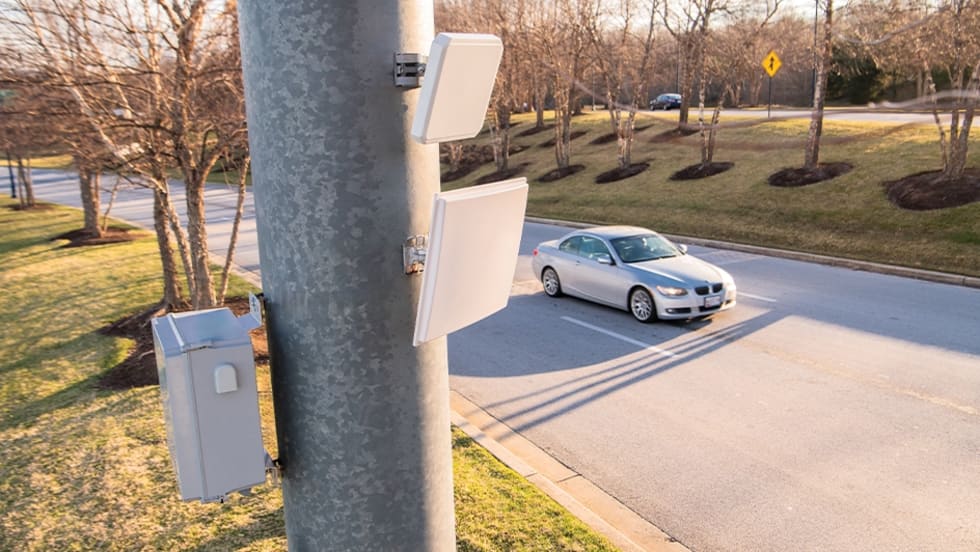
Leonardo U.S. Cyber & Security Solutions Introduces SignalTrace, the Next Evolution in Electronic Signature Detection Technology
SignalTrace reflects years of product refinement and a clearer expression of the technology’s purpose of recognizing and correlating electronic signatures in publicly broadcast wireless signals to reveal patterns, relationships, and trends that might otherwise go undetected.
Read More →
Pimloc Launches Secure File Sharing to Streamline Release of Redacted Video
Pimloc’s Secure File Sharing lets organizations deliver redacted video, audio, and documents through expiring, passcode-protected links, accelerating delivery while reducing security, compliance, and chain-of-custody risks.
Read More →