



The CAD Zone Law Enforcement Drawing Software
The CAD Zone's latest releases of The Crime Zone and The Crash Zone law enforcement drawing applications (now both at version 7.2) are worth a billion words and more.

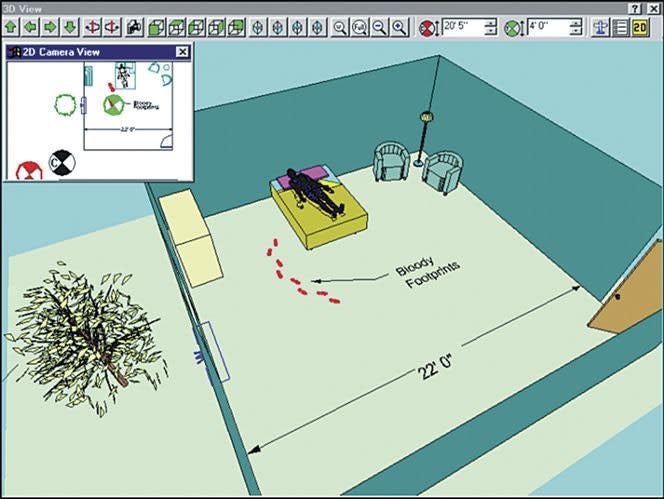
How many times have you heard the old saying, "A picture is worth a thousand words"? Well if there is any truth to that old adage, then an easy-to-use 3D drawing application is easily worth a billion words or more to the average cop. The CAD Zone's latest releases of The Crime Zone and The Crash Zone law enforcement drawing applications (now both at version 7.2) are worth a billion words and more. But I promise to control myself.
These easy-to-use drawing programs are great for novice users such as street cops, but they also include all the bells and whistles necessary for the work of more seasoned investigators. Crime Zone and Crash Zone are so user friendly that almost any reasonably intelligent cop can be up and running these programs and creating professional crime scene drawings or accident scene diagrams after just a few lessons.
I know what you're thinking. Who has the time or budget for training lessons? Well, the folks at The CAD Zone have thought of that, too.
Beaverton, Ore.-based The CAD Zone has been producing public safety applications for the last decade, and it understands the needs of law enforcement agencies. Believe me, the folks at The CAD Zone can ease your pain of transitioning from pencil and paper to the age of digital magic.
OK, I bet you're asking, "How the heck are they going to do that? I have problems just getting my PC turned on, let alone finding the skill necessary to make 3D drawings."
Let me walk you through it.
The CAD Zone ships a supplementary CD with each of these programs that's filled with animated instructions and directions and teaches you how to make them work. This is a great tutorial system.
One of the things I've learned since I started teaching is we all learn differently. What works for some, doesn't work for others. But one method that has the most success is repetition. That's the concept behind the tutorial discs that come with these programs. They allow you to play the instructions over and over until you learn how to do it. In addition, these tutorial discs have a great feature that lets you immediately apply your new skills by switching from the training window to application window. Later, if you get stuck, you can just go back to the automated instructor program.
Although I consider myself pretty literate when it comes to running a PC, I've never used a 3D drawing program. I've seen other applications like AutoCAD, but never wanted to spend thousands of dollars nor the hundreds of hours to become an expert with the program. I was convinced that if I didn't use it constantly I'd quickly lose those skills.
That's what makes Crime Zone and Crash Zone so appealing. If I do forget how to manipulate an object, I can always fall back to the tutorial CD ROM and have my answers in a matter of moments.[PAGEBREAK]
In addition to their tutorial discs, both Crime Zone and Crash Zone offer a user-friendly "Start from Scratch" interface. To start working, all you have to do is supply the answers to two questions: the scale that you want to use and the units of measurement that you want to use. The software lets you use measurements ranging from inches to miles at a precision level ranging down to the eighth decimal place of an inch.
Once you set the scale and units to be used, it's time to get to work. All you have to do is select a drag-and-drop interface tool and start your drawing. For example, the most frequently used tools, the "Easy Builder" and "Easy Lines" tools, let you enter the wall dimensions of your crime scene and pop them into your diagram, to scale. That's right, to scale. All you'll need are those field measurements you carefully recorded at the scene.
So what is the trick to this little digital wizard? It's one of the things cops forget most often: Remember to look up. But in this case it's remember to get the "Z" or vertical coordinate measurements. Without them, you'll never get a rendering and you might as well go back to paper and pencil.
Earlier I mentioned bells and whistles. Crime Zone and Crash Zone have plenty of them. For example, they can import data directly from industry standard electronic or laser measuring equipment. If your department has this equipment, then Crime Zone and Crash Zone can import the raw data and place the points you carefully collected into a new drawing that allows you to manage up to 1,024 layers of information.
For example, when you're out there at three in the morning documenting the scene where another D.U.I. decided to zig instead of zag, you can take comfort in knowing that Crash Zone will be able to duplicate the exact curve in the roadway using either baseline or triangulation methods. That means that not only will you be able to show both a 2D and 3D representation, you'll also be able to show it from an infinite number of points of view. And later, when you need to collaborate with your local traffic engineer who works with AutoCAD, you can import AutoCAD's .dwg and .dxf files and export Crash Zone files as .dwg and .dxf files.
I've briefly examined some of the basic concepts of the software with crime and crash scene documentation. But don't think for a moment these are the only uses for Crime Zone and Crash Zone. Just off the top of my head, I can see using these applications for tactical planning, site surveys, safe schools analysis, motorcade routing, and Homeland Security planning. Heck, you might want to use them to plan the layout of your new office.
With Crash Zone and Crime Zone software you'll also be ready for your courtroom presentations. The only limits will be your budget and the size of the plotter used to print out your "to scale" diagrams.
When I think back about the countless hours I spent preparing hand-drawn major accident scenes with paper, pen, and a drafting scale, I realize that products like The Crime Zone and its companion The Crash Zone are great time savers that make it easier for cops to create their reports and get back out on the the streets.
A 25-year police veteran and a member of the San Diego Police Department, Bob Davis has extensive experience managing technology for major events. He currently runs the SDPD computer lab.
More Technology
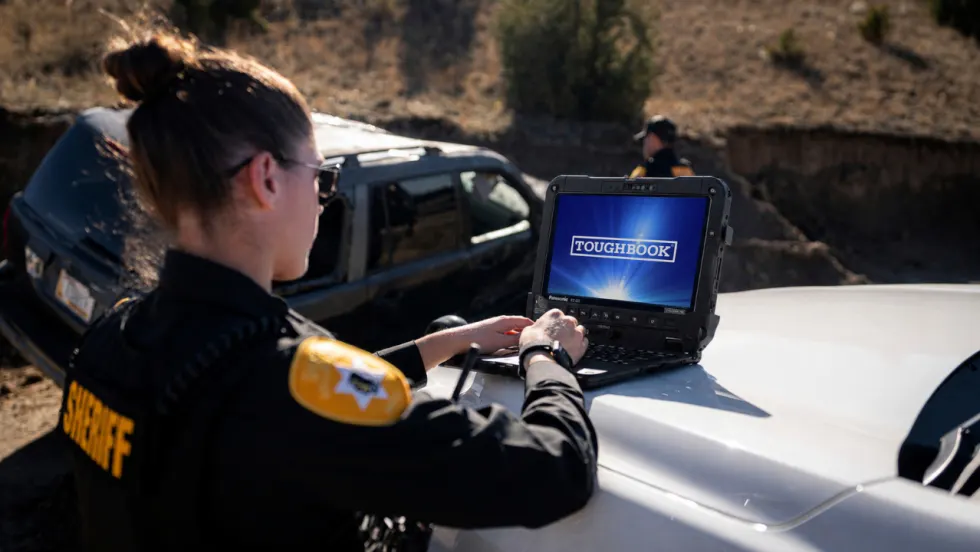
Panasonic Connect Launches the Toughbook 34 and Toughbook G3, Fully Rugged 2-in-1 Mobile Computers
Panasonic Connect has launched the Toughbook 34 and Toughbook G3 to facilitate in-vehicle dispatch, records management, and mobile command operations from any location.
Read More →
A police agency's guide to data-driven fleet management
Costs are rising and the public expects more transparency into how their tax dollars are spent. This e-book shows how police agencies can use fleet data to take control of fleet expenses while improving officer safety and demonstrating fiscal responsibility to the communities they serve.
Read More →
AI and analytics for law enforcement: Turning data into insights
Law enforcement agencies are managing more video, sensor data and digital evidence than ever before. Discover how AI and analytics can help turn that data into actionable insights that strengthen situational awareness, accelerate investigations and support more informed decisions.
Read More →

Vasco Electronics Adds Automatic Language Detection to Vasco Translator Q1
Vasco Electronics’ software update introduces hands-free language switching and expanded offline translation across 45 language pairs, empowering law enforcement, healthcare, and front-office enterprise teams
Read More →
North Miami Police Department Deploys Mark43
The North Miami Police Department has deployed Mark43 as part of its Five-Year Strategic Plan that represents its collective vision and goals for a more proactive police department, anchored by a core commitment to leveraging modern technology to enhance efficiency and public safety.
Read More →
Cellebrite Genesis for Enterprise Now Generally Available
Made available to the public sector in June, Cellebrite Genesis is serving a growing mix of national, regional, and local agencies worldwide, including some of the largest regional and metropolitan police departments. It is now available for enterprise organizations.
Read More →
2026 Vision FirstNet Users Summit to Host Emerging Leaders Training on Grassroots Advocacy for Public Safety
“Emerging Leaders Training: Understanding the Importance of Grassroots Advocacy for Public Safety," a session during the 2026 Vision FirstNet Users Summit, will offer a roadmap for unified advocacy at the federal level.
Read More →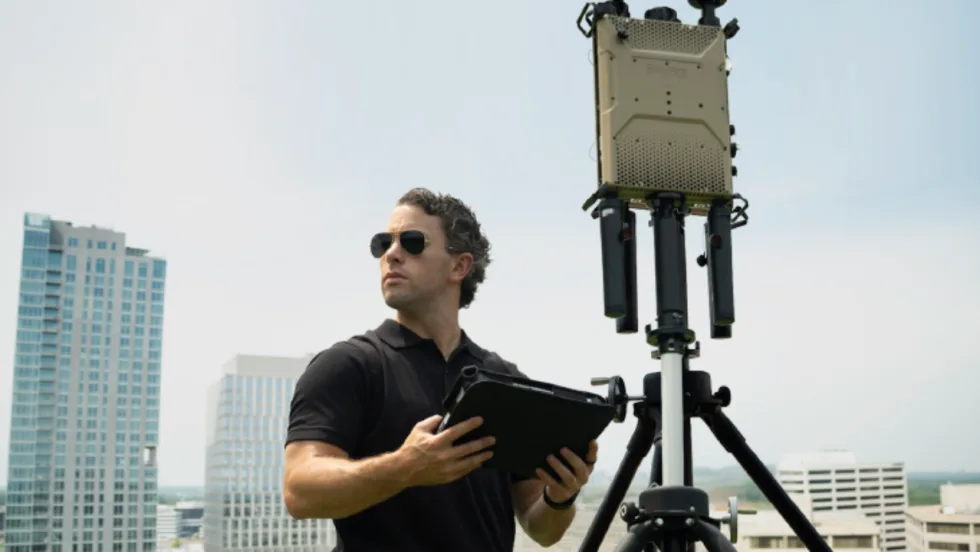
Motorola Solutions Completes Acquisition of D-Fend Solutions
Motorola Solutions has acquired D-Fend Solutions, an industry leader in counter-drone technology. This deal provides public safety and enterprise customers with access to advanced counter-unmanned aerial systems.
Read More →
ZeroEyes, Advantech & Camden Police Partner to Bring AI Gun Detection Technology to Delaware School District
ZeroEyes has partnered with Advantech and the Camden Police Department to deploy ZeroEyes’ AI gun detection and intelligent situational awareness platform at Delaware’s Caesar Rodney School District (CRSD).
Read More →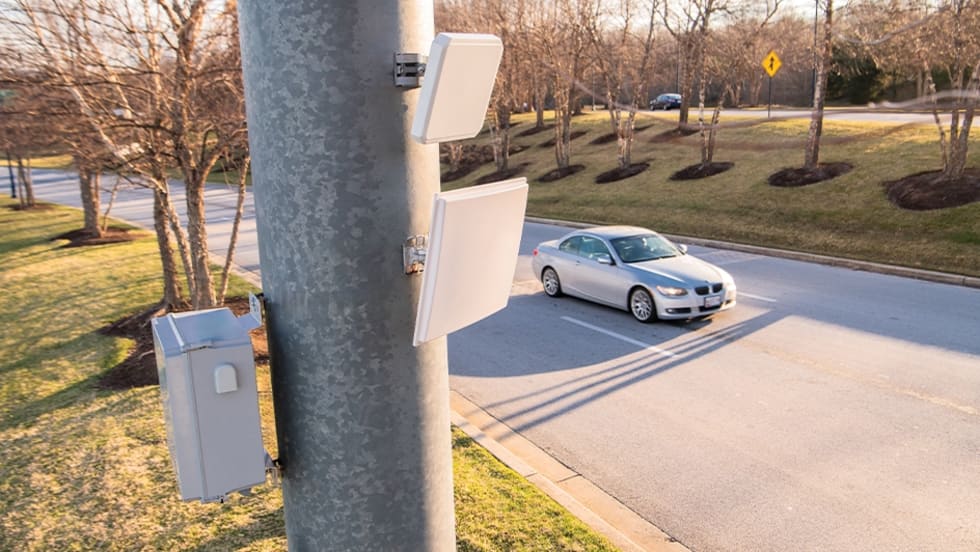
Leonardo U.S. Cyber & Security Solutions Introduces SignalTrace, the Next Evolution in Electronic Signature Detection Technology
SignalTrace reflects years of product refinement and a clearer expression of the technology’s purpose of recognizing and correlating electronic signatures in publicly broadcast wireless signals to reveal patterns, relationships, and trends that might otherwise go undetected.
Read More →